LogoBotmonster Tech
AI Smart Home Self-Hosting Coding Web Dev Hardware Bootpag Image2SVG Tags

Linux

  • ◀︎
  • 1
  • …
  • 10
  • 11
  • 12
  • 13
  • 14
  • ▶︎
Automate Linux Desktop Setup with Ansible and Dotfiles

Automate Linux Desktop Setup with Ansible and Dotfiles

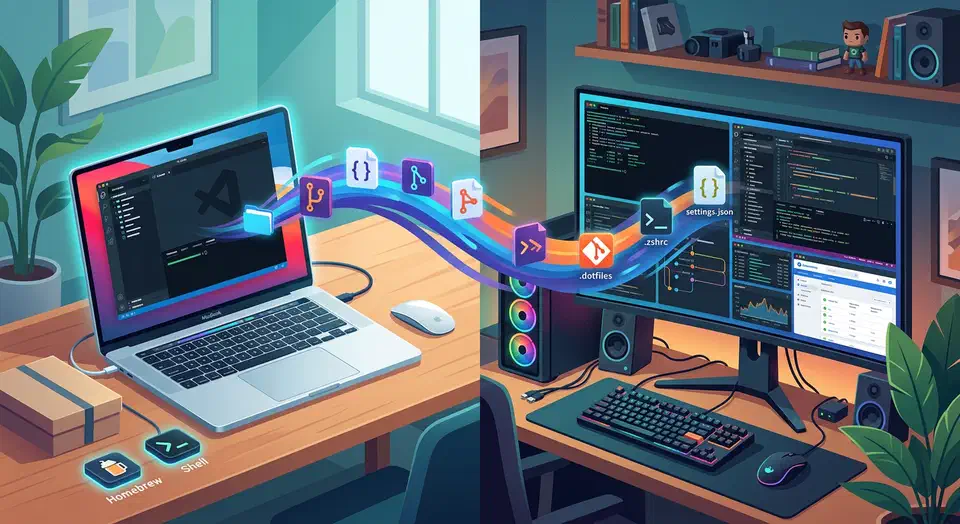
If you reinstall Linux more than once a year, your setup is probably still too manual. Most people keep a checklist in their head: install packages, copy shell config, fix fonts, set up Git and SSH, restore editor plugins. Then they spend a week finding what they forgot. That works until it doesn’t. A failed SSD, a new laptop, or a distro hop shows how fragile the workflow is.

A better model is to treat your desktop like infrastructure: declarative, version-controlled, and repeatable. Ansible handles package and system state. GNU Stow links your dotfiles cleanly. The result is a setup you can rebuild in 20 to 40 minutes with few hand edits. It also keeps improving over time instead of drifting.

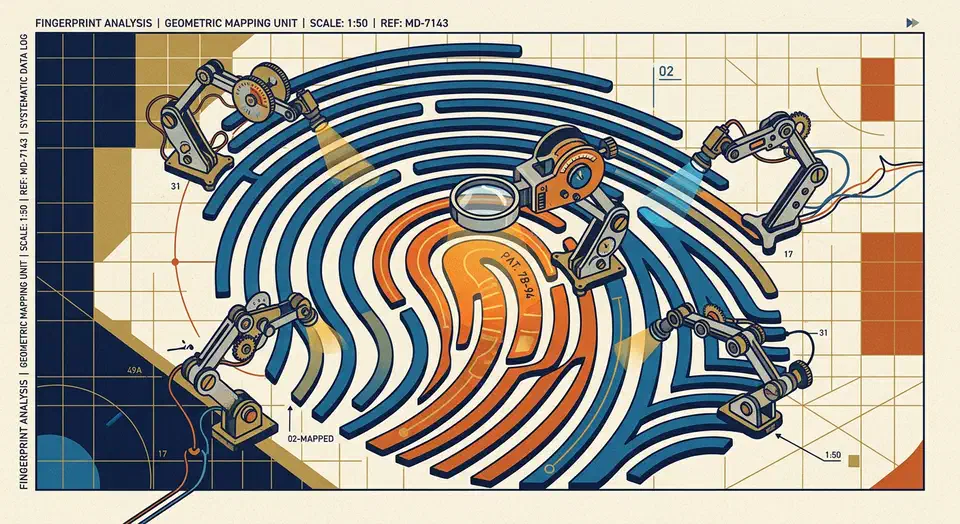
Setting Up the Chipsailing CS9711 Fingerprint Reader on Linux Mint

Setting Up the Chipsailing CS9711 Fingerprint Reader on Linux Mint

Bought a budget USB fingerprint reader like the Chipsailing CS9711 (USB ID 2541:0236) and Linux Mint can’t see it? You aren’t alone. These “Match-on-Host” devices don’t ship with libfprint support by default. A community driver gets them working in a few steps.

Identifying the Hardware

First, verify your device ID by running lsusb in the terminal. Look for: Bus XXX Device XXX: ID 2541:0236 Chipsailing CS9711Fingprint

If the device shows up but fails to “enumerate” (no name appears), plug it straight into a motherboard USB port. A USB hub often can’t supply steady power.

Moving from VirtualBox to Docker Desktop on Linux

Moving from VirtualBox to Docker Desktop on Linux

If your Linux dev workflow still leans on one or more VirtualBox VMs, you’re not doing anything wrong. VirtualBox has been the default pick for isolated dev setups for years: clean snapshots, clear network modes, and a full guest OS that acts just like a separate machine.

But in 2026, most app work doesn’t need full hardware emulation. It needs fast startup, easy sharing, the same deps each time, and low cost. That’s where Docker Desktop and docker compose shine.

Reverse Engineer USB Devices with Wireshark and Python

Reverse Engineer USB Devices with Wireshark and Python

Reverse engineering an unknown USB device means working out the protocol it uses to talk: the byte sequence that makes it do things. The good news is that most USB devices don’t encrypt their traffic. Everything they send and get back travels in plain sight on the USB bus, and Linux gives you the tools to watch it. Once you know the protocol, a Python script using pyusb can drive the device directly and skip the vendor software.

Setup a Private WireGuard VPN for Secure Remote Access

Setup a Private WireGuard VPN for Secure Remote Access

A private WireGuard VPN is the simplest way to reach your home lab, self-hosted apps, and dev machines from anywhere. You don’t expose services directly to the internet. Instead of opening many inbound ports, you publish one UDP endpoint and move trusted traffic through an encrypted tunnel. In 2026, that still gives you the best mix of speed, security, and simple upkeep.

This guide builds a setup from scratch on Ubuntu or Debian . Then it hardens that setup for the real world: home IPs that change, IPv6, mobile clients behind carrier NAT, and networks that try to block VPN traffic. You’ll also see a GUI path, wg-easy , for teams that would rather click than edit config files.

Fixing Wayland Screen Tearing on Linux Mint (2026)

Fixing Wayland Screen Tearing on Linux Mint (2026)

Screen tearing on Linux Mint in 2026 is rarer than in the X11 days. It still shows up on Wayland when the render pipeline is not in sync end to end. Most guides oversimplify and claim Wayland alone wipes out tearing forever. In practice, you need the right kernel, the right driver path, sane compositor settings, and monitor settings that match what your GPU can deliver.

This guide is for Linux Mint users on modern hardware, especially high refresh displays and mixed monitor setups. It walks through root causes, check commands, VRR setup, fractional scaling traps, NVIDIA steps, and a full troubleshooting matrix. By the end, you can tell whether tearing comes from compositor timing, GPU sync, display config, or a bad session choice for your hardware.

  • ◀︎
  • 1
  • …
  • 10
  • 11
  • 12
  • 13
  • 14
  • ▶︎

Most Popular

Gemma 4 vs Qwen 3.5 vs Llama 4: Which Open Model Should You Actually Use? (2026)

Gemma 4 vs Qwen 3.5 vs Llama 4: Which Open Model Should You Actually Use? (2026)

Gemma 4, Qwen 3.5, and Llama 4 compared on benchmarks, licensing, speed, and hardware so you can pick the right open model fast.

5 Open Source Repos That Make Claude Code Unstoppable

5 Open Source Repos That Make Claude Code Unstoppable

Five March 2026 repos extend Claude Code with autonomous ML, self-healing skills, GUI automation, multi-agent coordination, and Google Workspace access.

Cross-section of a translucent crystal brain threaded by red, gold, and teal attention ribbons resting on a doubly-stochastic matrix pedestal beside a guitar-tuning lab figure.

DeepSeek V4 Tech Report: 3 Tricks That Cut Compute 73%

DeepSeek V4 ships 1.6T parameters and 1M context using only 27% of V3.2's inference FLOPs. Inside the hybrid attention, mHC residuals, and Muon optimizer.

Cracked stone tablet engraved with a bulleted system prompt, four crossed-out goblin silhouettes repeated, a tiny goblin escaping with upvote-arrow sparks, a giant dollar-sign price tag, and figures refusing to step onto a glossier pedestal.

GPT 5.5 Reddit Reception: Goblins and the Cost Backlash

GPT-5.5 Reddit reception: viral goblin prompt leak, doubled pricing backlash, and 5.4 holdouts citing hallucination regressions in factual recall workflows.

What X and Reddit Users Are Saying about Claude Opus 4.7

What X and Reddit Users Are Saying about Claude Opus 4.7

How power users on X and Reddit reacted to Claude Opus 4.7: praise for agentic coding, token burn concerns, and teams' practical prompting habits.

Qwen3.6-35B-A3B: Alibaba's Open-Weight Coding MoE

Qwen3.6-35B-A3B: Alibaba's Open-Weight Coding MoE

Alibaba's sparse Mixture-of-Experts: 35B total parameters, 3B active per token. Q4 quantization runs on MacBook Pro M5, matches Claude Sonnet performance.

Alacritty vs. Kitty: Best High-Performance Linux Terminal

Alacritty vs. Kitty: Best High-Performance Linux Terminal

Alacritty vs Kitty in 2026: emoji and Unicode rendering, real benchmarks, latency, memory, maintainer reputation, and the right terminal for your workflow.

Like what you read?

Get new posts on Linux, AI, and self-hosting delivered to your inbox weekly.

Privacy Policy  ·  Terms of Service
2026 Botmonster