 Botmonster Tech
Best AI coding tools 2026

The best AI coding tools 2026 has to offer do three separate jobs. They finish the line you type, do a whole task while you watch, or explore new data. Free tiers cap the number of requests, and leave every feature switched on. Only some carry one real task to code that builds and passes tests.
Key Takeaways
- Autocomplete, agents, and data notebooks are three different jobs.
- Free tiers limit how many requests you get, and leave the features alone.
- One agent task eats many requests, so agentic free tiers empty fastest.
- Copilot Free still hands you 2,000 code completions a month.
- Pick the tool that fits how you already work.
What makes an AI coding tool worth using?
I judge every tool here with one bar, the finish-line test. A free tier passes when it takes one real ticket from the first prompt to code that builds and passes your existing tests, with no mid-task downgrade to a weaker model.
Benchmark leaderboards don’t answer that question. They measure single-file puzzle solving, where the whole problem fits on one screen. Real work is reading five files to change one line in a sixth, and the hard part is knowing which five.
Marketing copy blurs those three jobs into one word, which is how people end up with the wrong tool. A tool that is excellent at completions is often mediocre at whole tasks. Pick for the job you do most days.
On a free tier, the request is the unit of cost. Token counts barely enter into it. An agent run that reads twenty files and edits four spends far more of your allowance than a day of autocomplete does. That arithmetic is why agentic free tiers empty in an afternoon while autocomplete plans last all month.
The last thing to check before you adopt anything is what survives if the tool vanishes tomorrow. Editor extensions and terminal agents leave ordinary files and an ordinary git history behind. A hosted notebook leaves you an export button, and you have to use it before your access lapses.
Best AI autocomplete and editor tools
Autocomplete is the cheapest way in, and it is the feature people keep using once the novelty wears off. It fires on every keystroke, so a fast and roughly right suggestion beats a brilliant one that lands after you finished typing.
GitHub Copilot
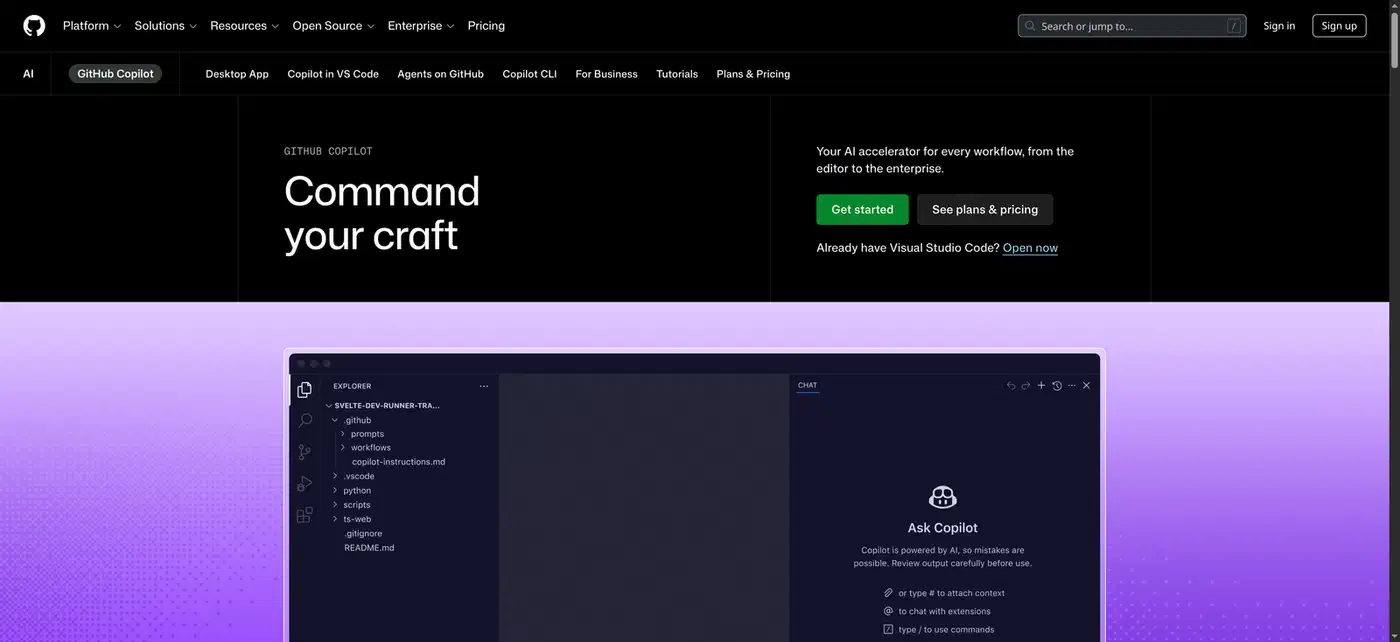
GitHub Copilot is the default here because it drops into VS Code and changes nothing else about your setup. The free plan gives you 2,000 code completions a month plus limited chat and agent use, with no card required. Free users get auto model selection only, so you can’t pin the model you prefer.
Cursor
Cursor takes the other route and replaces your editor. It is a VS Code fork, and its real advantage shows up in multi-file edits. The tool holds several files in mind and applies one coherent change across all of them. The free Hobby plan asks for no card and gives you a limited number of agent requests. I compared the two head to head in Cursor vs VS Code Copilot.
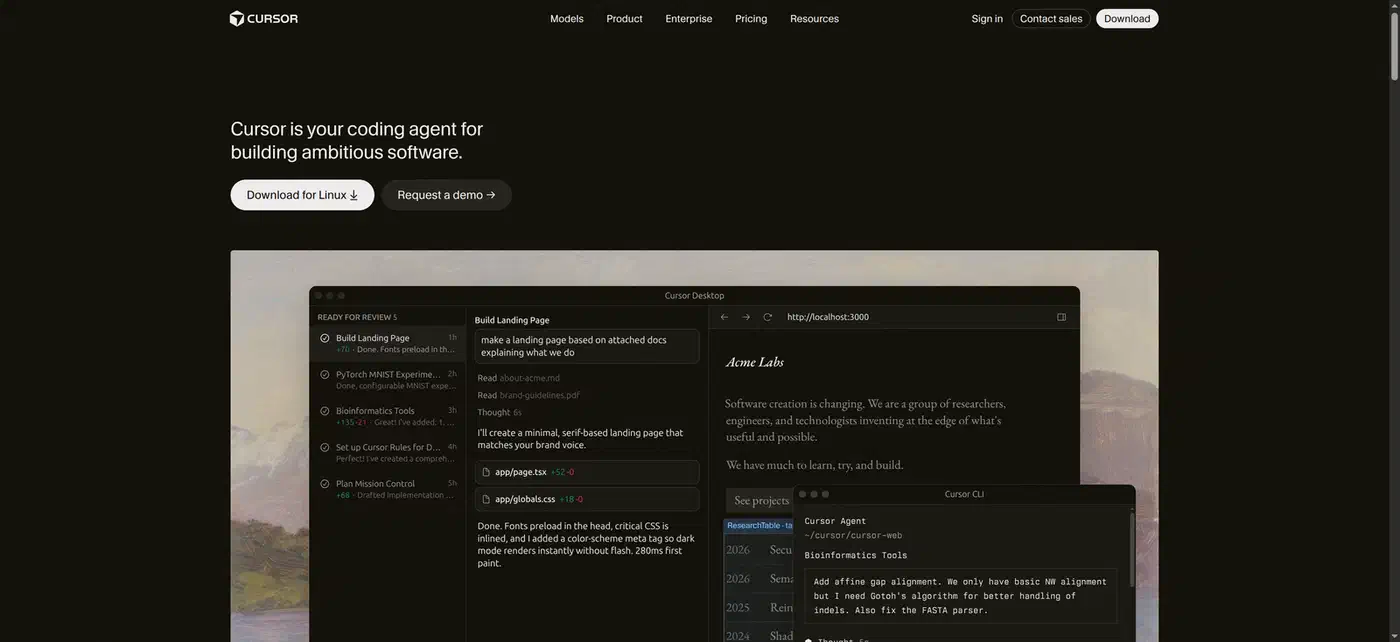
The switching cost decides this question for a lot of people, and it is easy to underestimate. Moving to a forked editor means re-checking every extension, keybinding, and settings sync you rely on. If your setup is ten years of accumulated muscle memory, an extension that respects it wins by default.
Autocomplete is also wrong in predictable places. It invents method names for unfamiliar internal APIs, it guesses whenever the answer lives in a file you don’t have open, and it writes security-sensitive code that looks plausible and leaks. The suggestion reads the same either way, so the review burden never goes away.
Best agentic AI coding tools
You describe a task, the tool plans it, writes code, runs it, and reports back. You’re reviewing a pull request instead of accepting a suggestion.
Google Antigravity
Google Antigravity is the agentic editor to try first, because it costs nothing to start. It is another VS Code fork, and it ships an IDE, a CLI, and a command center for running several agents at once. Google moved free users to a weekly rate limit while paid AI Pro and Ultra subscribers keep quotas that refresh every five hours. Burn your free allowance on a Tuesday and you’re waiting until next week.

Terminal-native agents are the other shape this takes. They live in your shell, edit files directly, and leave a normal git diff behind. That is the friendliest thing an agent can do for a reviewer. I ranked seven of them on real cost per completed task in best AI coding agents in 2026, so I won’t repeat those numbers here. Some also get a browser front end: Pi Web wraps the pi agent in a tab with message forking and a worktree switcher. Cursor’s agent mode sits between the two shapes, for people who want agentic behavior without leaving a familiar editor.
I pointed an agent at a mid-sized Python repo with a real test suite, and the mechanical work went well unattended. It handled a rename across eleven files, a dependency bump with its imports, and a new test file matching conventions. All of it landed green on the first try.
The agent kept trying to satisfy a test whose assertion depended on behavior three modules away. It “fixed” the test twice before I stopped it. Now I never hand an agent a database migration or anything touching authentication. Both are cheap to write and expensive to get wrong.
An agent that writes two hundred lines you never read has just moved the work into review. The teams getting real value from these tools are the ones who kept code review intact.
One medium task on my repo ran through roughly 15 to 30 agent steps, each one a request. Against a weekly refill, a free agentic tier buys you a few real tasks per week and then goes quiet. It is an honest trial, and it stops well short of a daily driver.
Best AI tools for data and notebooks
Data work is a separate job. Plenty of people who search for coding tools actually need a notebook that can read a CSV and explain it, and you don’t need a local Python setup for that.
DataLab
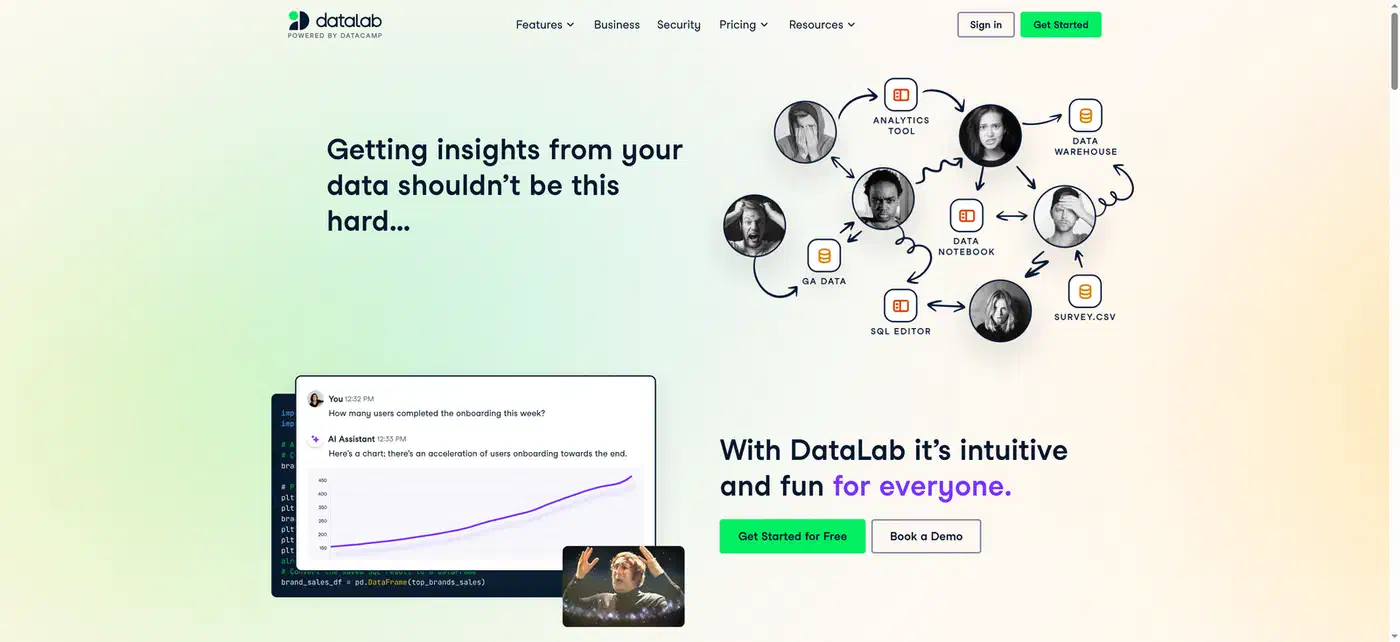
DataLab is the browser-based option worth knowing. It connects straight to a CSV, a spreadsheet, or a database. The assistant writes the query and the chart for you. The free tier gives you three workbooks, 15 assistant prompts, and a machine with 4 GB of RAM and 2 vCPUs. Those limits are compute and file shaped, so a big join will hit the wall before your prompt count does.
General chatbots handle data too, and they are genuinely good for a one-off question. Upload a file, ask what is going on, get an answer. They’re poor at anything you have to re-run next month, because nothing gets saved as an artifact you can run again.
If the result will be quoted to someone else, it belongs in a notebook or a script that someone can execute. A chat transcript scrolls away and takes your method with it.
Local beats hosted when the data is sensitive, when the files are big, or when the job has to run on a schedule. A laptop running its own model has no request counter and no upload step, and that trade is often worth the slower answers.
What these tools do with your code
At work this is the question that decides adoption, and it usually gets asked far too late. GitHub now uses Copilot interaction data for AI model training on the Free, Pro, and Pro+ plans unless you opt out. That covers your inputs, outputs, code snippets, and surrounding context. Business and Enterprise plans are exempt under their existing contracts.
The opt-out lives in your Copilot settings under Privacy, and it takes about ten seconds. A free coding tool is paid for with your interaction data, so read the toggle before you paste anything private. The same assumption is a safe default for every free tier here.
Which AI coding tool should you pick?
| Tool | Job | Free tier | When it runs out | What you keep |
|---|---|---|---|---|
| GitHub Copilot | Autocomplete inside VS Code | 2,000 completions a month, limited chat and agents | Completions stop until the month resets | Plain files, normal git history |
| Cursor | Editor built around multi-file edits | Limited agent requests, no card needed | Agent requests stop, the editor keeps working | Plain files, normal git history |
| Google Antigravity | Agent that plans, writes, and runs code | Free access, weekly quota refresh | You wait for the weekly reset | Plain files, normal git history |
| DataLab | Notebooks and data exploration | 3 workbooks, 15 assistant prompts, 4 GB RAM | Assistant stops, notebooks stay readable | Hosted notebook you have to export |
One verdict per situation:
- Faster typing in the editor you already have: Copilot Free.
- A whole task done while you watch: Google Antigravity.
- Understanding a dataset with nothing installed: DataLab.
- Agentic help without giving up your editor setup: Cursor’s agent mode.
The zero-cost stack that covers most developers is Copilot Free for daily typing plus one agentic tool for the occasional bigger job. What it can’t do is sustain agentic work as a habit. At two or three agent tasks a day, the $10 to $20 monthly tier becomes the honest price.
Free stops being enough once you hit any of these:
- More than about ten agent tasks in a week.
- A repository where gathering context alone costs a dozen requests.
- A dataset that won’t fit in 4 GB of RAM.