 Botmonster Tech
You can wire a local LLM into your Git workflow to write conventional commit messages from staged diffs. The trick is a prepare-commit-msg Git
hook. The hook runs git diff --cached and sends the output to Ollama
. Ollama runs a model like Llama 4 Scout on a consumer GPU
or Qwen3, then writes the message into the commit file for you to review. The whole setup is about 30 lines of shell or Python. It costs nothing to run, keeps your code local, and follows the Conventional Commits
format. That beats the “fix stuff” messages most of us write when we just want to move on.
Automation

Generate Conventional Commits Locally with Ollama and Git Hooks
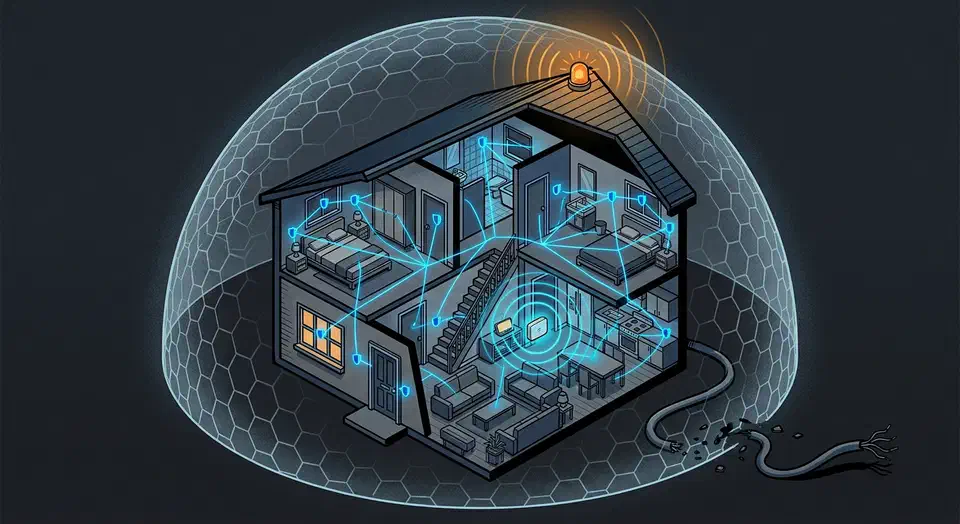
Local Z-Wave Alarm: $250 Setup, No Monthly Fee
You can build a fully local, cloud-free home alarm system with Z-Wave door and window sensors, motion detectors, and a siren wired to Home Assistant
through a Z-Wave JS controller. The built-in alarm_control_panel integration plus a few automations handle arming, disarming, entry delays, and the siren. It all runs on your local network. No cloud subscription, no monthly fee, and the alarm keeps working even when your internet goes down.

Veepeak vs OBDLink: BLE OBD-II for Home Assistant
You can stream live vehicle diagnostics and GPS location to Home Assistant by pairing a Bluetooth Low Energy OBD-II adapter with an ESPHome -based BLE proxy or a dedicated Android device running Torque Pro . This setup feeds real-time fuel economy, engine codes, coolant temperature, and GPS coordinates into Home Assistant entities, enabling geo-fenced automations like opening your garage door on arrival or logging trip fuel costs - all without any cloud dependency.

Build a Self-Hosted CI/CD Pipeline with Gitea Actions and Docker
Running CI/CD through GitHub Actions or GitLab CI is handy until it isn’t. Free tier minute limits run out fast. Private repos cost more than you’d expect. And if your code is sensitive, you’re sending every push through someone else’s servers. Self-hosting your pipeline sidesteps all of that.
Gitea is a light, self-hosted Git service. It has added GitHub Actions-compatible workflow support through a piece called act_runner . The workflow YAML syntax is near-identical to GitHub Actions. So teams who already know that ecosystem can move over with little friction. This guide walks through a complete, production-ready CI/CD stack on Linux using Docker Compose.

Redis Streams vs Kafka: 100K-500K ops/sec alternative
Redis Streams give you a light, self-hosted option versus Apache Kafka
for event-driven data pipelines. You get append-only log semantics, consumer groups with ack tracking, and sub-millisecond latency on a single Redis
7.4+ instance. Producers XADD events to a stream. Consumer groups read with XREADGROUP in Python via redis-py
. Manual XACK calls plus a pending entry list (PEL) give you at-least-once processing.
What follows covers stream basics, consumer groups with failure recovery, a full producer and consumer pipeline with a dead-letter queue, and the ops practices to keep Redis Streams healthy in production.

Type-Safe APIs with Pydantic v3 and FastAPI: A Best Practices Guide
Pydantic v3 shipped in late 2025. It has a new Rust-backed core and a fresh model system. With FastAPI 0.115+, you get auto request checks, fast JSON output, and OpenAPI 3.1 docs. No manual schema work. Data errors get caught at the API edge. Client SDKs come from the live spec. The check overhead that used to be a bottleneck is now mostly gone.
This guide walks through what changed in v3, how to lay out a production project, the validation patterns to know, and what deployment looks like when you care about speed.