 Botmonster Tech
You can build a fully local, cloud-free home alarm system with Z-Wave door and window sensors, motion detectors, and a siren wired to Home Assistant
through a Z-Wave JS controller. The built-in alarm_control_panel integration plus a few automations handle arming, disarming, entry delays, and the siren. It all runs on your local network. No cloud subscription, no monthly fee, and the alarm keeps working even when your internet goes down.
Home-Assistant
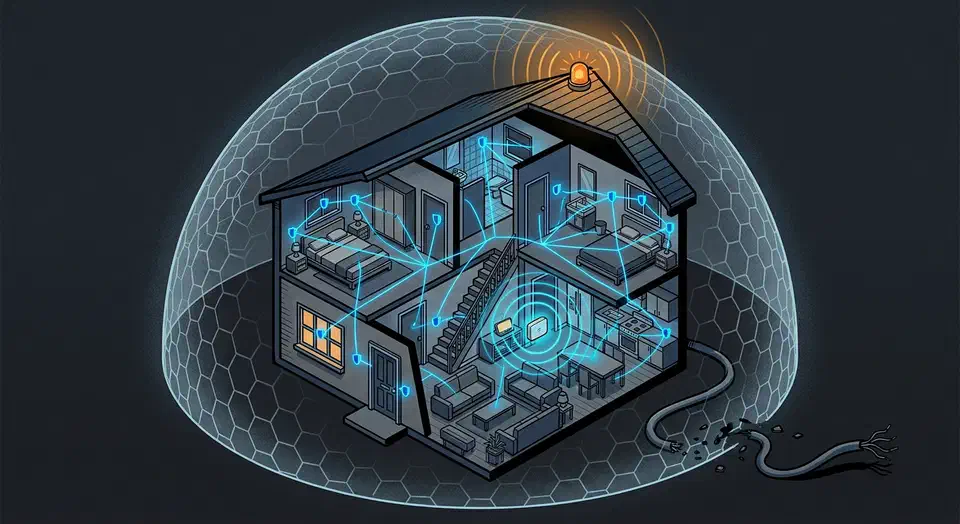
Local Z-Wave Alarm: $250 Setup, No Monthly Fee
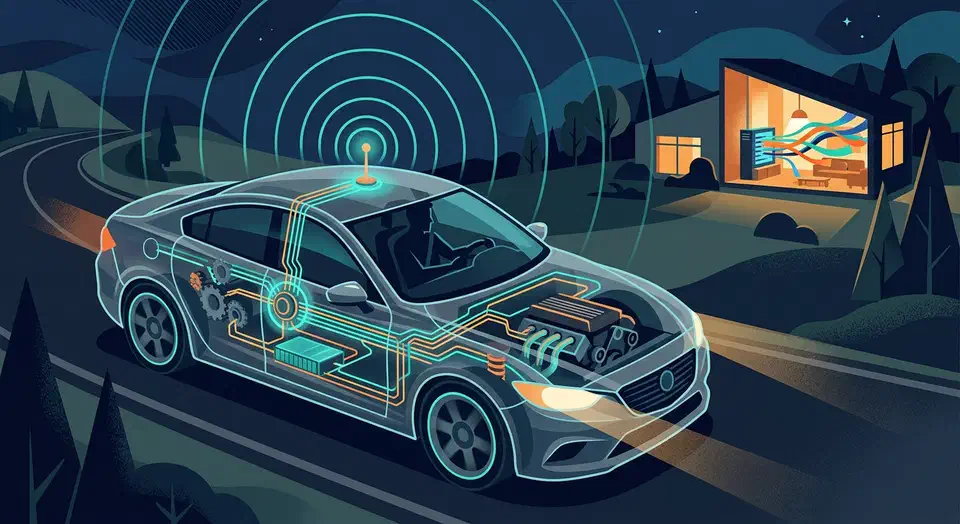
Veepeak vs OBDLink: BLE OBD-II for Home Assistant
You can stream live vehicle diagnostics and GPS location to Home Assistant by pairing a Bluetooth Low Energy OBD-II adapter with an ESPHome -based BLE proxy or a dedicated Android device running Torque Pro . This setup feeds real-time fuel economy, engine codes, coolant temperature, and GPS coordinates into Home Assistant entities, enabling geo-fenced automations like opening your garage door on arrival or logging trip fuel costs - all without any cloud dependency.

The Best Mini PCs for a Home Lab in 2026: N150 vs. N305 vs. Ryzen AI
If you are building a home lab in 2026, the most consequential decision you will make is what hardware to run it on. Rack servers are loud, power-hungry, and overkill for most people. A Raspberry Pi cluster is fun but constrained. The sweet spot - and has been for the last couple of years - is the mini PC.
The market has matured. You now have three distinct tiers worth considering: Intel N150 machines for single-purpose appliances, Intel N305 machines for general-purpose home labs, and AMD Ryzen AI class mini PCs for heavy virtualization or local AI inference. Each tier makes sense for a different type of user, and the wrong pick will either leave you frustrated with underpowered hardware or paying for capabilities you will never use.

Thread Border Routers for Matter Smart Home: 2 Min, 1500+ Devices
Deploy at least two Thread border routers and connect them to the same Thread network. Each can be an Apple HomePod Mini, a Google Nest Hub (2nd gen), or a DIY OpenThread Border Router (OTBR) on a Raspberry Pi. This gives your Matter -compatible smart locks, sensors, and lights a reliable IPv6 path to your IP network. They can then talk to Home Assistant , Apple Home, and Google Home at once through Matter’s multi-admin feature. Two routers is the minimum for any network you depend on. If one goes down, the other keeps your mesh alive.
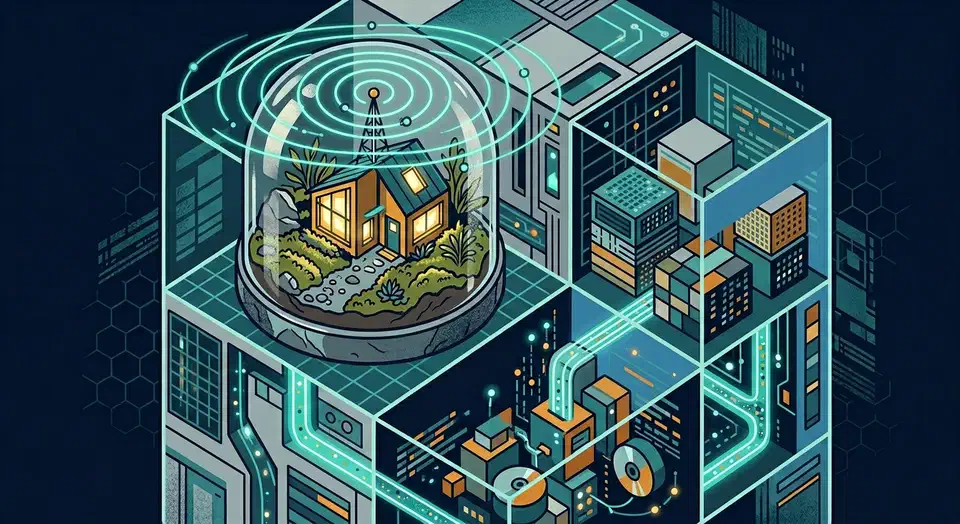
Run Home Assistant in a Proxmox VM for Maximum Flexibility
Running Home Assistant OS (HAOS) inside a Proxmox VE virtual machine gives you the full, officially supported installation - add-ons, Supervisor, automatic updates - while sharing hardware with other VMs and containers. On a modest Intel N305 mini PC, you can run HAOS alongside Plex, Vaultwarden, Nextcloud, and a WireGuard VPN with room to spare. The entire setup takes under 30 minutes. Download the HAOS QCOW2 image, create a VM in Proxmox, import the disk, boot, and you are up and running.

Home Assistant Blueprints: 3 Domains, Hundreds of Templates
Home Assistant Blueprints are reusable automation templates. They split the logic from the per-device bits. You define a pattern once, say a motion light with a timeout, then spin it up for every room by filling in a form. No YAML to copy. No ten near-twin automations to babysit. In Home Assistant 2026.4, blueprints span three domains: automation, script, and template. They ship dozens of selector types for clean input forms and tidy collapsible sections for bigger setups. They’re the fastest way to keep smart home behavior the same across many devices.