 Botmonster Tech
Pair Restic with Rclone and you get client-side AES-256 encryption, smart deduplication, and a backend that talks to 70 plus cloud providers. A systemd timer and a short wrapper script handle the schedule. The result runs unattended, prunes old snapshots on its own, and lets you swap clouds by editing one config line. A tuned setup backs up 500 GB in under five minutes and costs as little as $3 a month on Backblaze B2.
Storage

Deploy Ceph with cephadm: 3-node, 12 OSD storage cluster
Yes, you can build a self-healing, redundant distributed storage cluster using Ceph
across three Linux nodes. It’s less painful than its reputation suggests, thanks to the modern cephadm tool. You get block storage (RBD) for VMs, a shared POSIX filesystem (CephFS) for many clients, and S3-compatible object storage if you want it. Your data survives the loss of any node, rebalances on its own when hardware changes, and scales from a homelab to petabyte production by adding more disks.
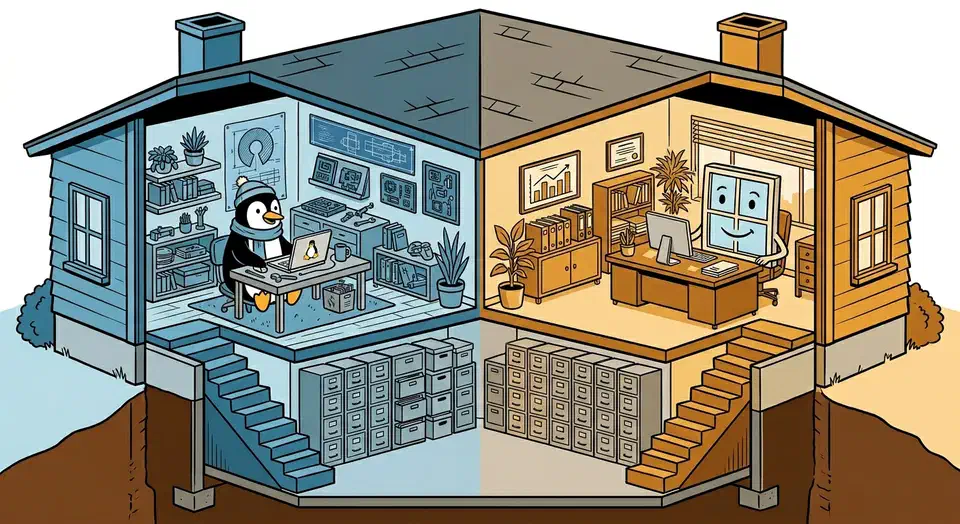
Windows 11 + Linux: Shared exFAT, systemd-boot Bootloader
Install Windows first. Then install Linux with systemd-boot as the bootloader on a shared EFI System Partition. Add a dedicated exFAT partition for cross-OS file sharing. This setup avoids the classic problem of Windows Update wiping out GRUB , since systemd-boot entries sit next to Windows Boot Manager in the ESP without a fight. Both systems read and write exFAT out of the box, with no risk of corruption.

Linux File Recovery: extundelete, PhotoRec, Btrfs snapshots
If you just ran rm on something important and you’re in a panic, stop touching that filesystem right now. Run mount -o remount,ro /dev/sdX to remount the partition read-only first. Every write to the disk after deletion cuts your odds of getting those files back. Here is the short answer. For ext4, try extundelete
or debugfs first, then PhotoRec
as a fallback. For Btrfs, roll back a snapshot if you have one, or use btrfs restore if you don’t. The right move depends on your case, so read on.

PCIe Bifurcation: Add 4 NVMe Drives for $25-50 per Adapter
PCIe bifurcation splits one physical PCIe x16 slot into several independent x4 (or x8) logical slots. That lets you fit two to four NVMe drives on one cheap adapter card, often just $20 to $50 for a passive model. Bifurcation is a CPU-level feature, not the job of an extra chip, so each drive gets its own lanes with zero overhead. A Gen4 x4 link delivers around 7 GB/s per drive , the same bandwidth as a standard motherboard M.2 slot. Out of M.2 slots but still have a free x16 PCIe slot? Bifurcation is one of the cheapest ways to add more NVMe storage.
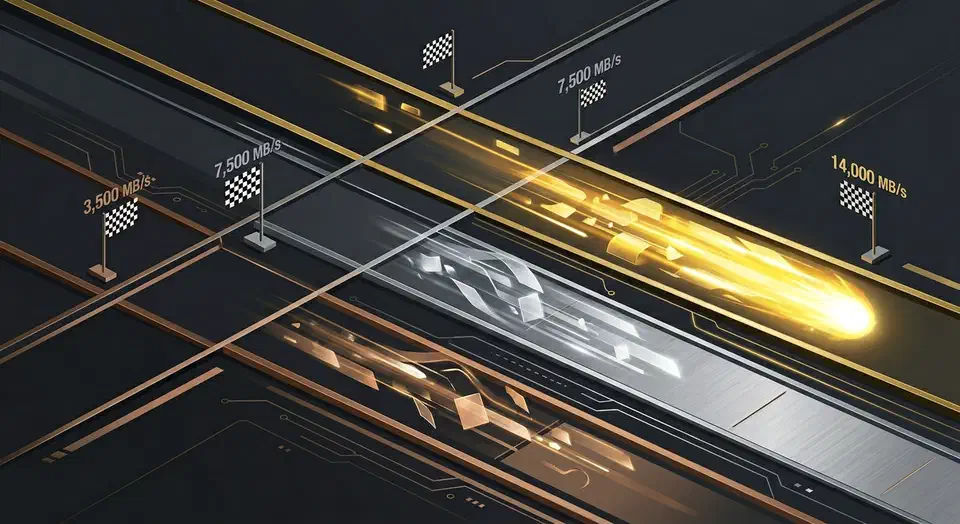
NVMe Gen5 Linux Benchmarking: 12K-14K MB/s Expected Performance
To benchmark your SSD on Linux, use fio for full sequential and random I/O tests, hdparm for a quick sequential read check, and GNOME Disks for a visual one-click run. A healthy Gen5 NVMe drive (a Crucial T705, Samsung 990 EVO Plus Gen5, or WD Black SN8100) should hit 12,000-14,000 MB/s sequential reads and over 1,200,000 random 4K read IOPS. Gen4 drives top out near 7,000 MB/s sequential and 800,000-1,000,000 IOPS. If your numbers fall well short, there is usually a clear reason: heat throttling, a PCIe slot at the wrong generation, or a bad I/O scheduler setting.