 Botmonster Tech
Ghostty ships its whole terminal engine as a library
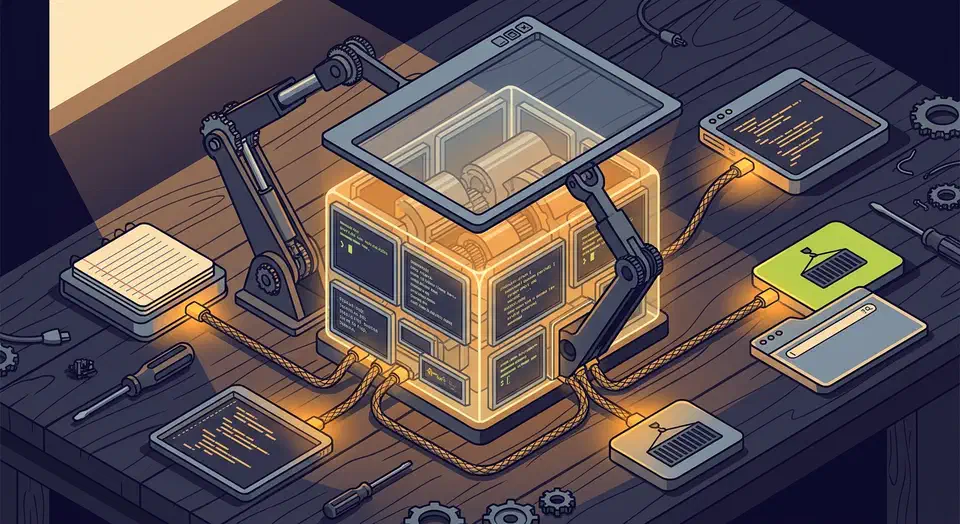
The Ghostty terminal emulator is really two products in one. The app you download is a thin native shell over libghostty, a zero-dependency C and Zig library anyone can embed. Over 120 projects already build on that library, including Obsidian plugins and a Flutter embedder, so the library may outlive the app.
Key Takeaways
- Ghostty looks and behaves like a native app on Mac and Linux.
- Its terminal engine ships as a library other programs can embed.
- More than 120 projects already build on that library.
- GPU rendering keeps it smooth when output floods the screen.
- It is a terminal, not a multiplexer, so tmux still has a job.
What the Ghostty terminal emulator does differently
Most terminals make you pick two of three things: raw speed, a deep feature set, or an interface that feels native. The project’s About page says Ghostty aims to be strong in all three. It does not claim to win any one of them, which is a smaller and more checkable promise.
“Native” here has a plain meaning. On macOS the interface is written in Swift using AppKit and SwiftUI. On Linux it uses the GTK4 C API. Both sit on one shared core written in Zig. So tabs, splits, and menus use real platform widgets, while most other terminals draw those shapes themselves.
Ghostty draws through Metal on macOS and OpenGL on Linux. Each terminal gets its own read, write, and render thread. The read thread chews through escape codes using CPU SIMD instructions.
The project README says Ghostty and Alacritty land within a few percent of each other on benchmarks. It also says both run roughly 100x faster than Terminal.app or iTerm2. Those are the project’s own numbers, and I have not tested them here. The effect is easy to feel, though: a wall of scrolling output stays smooth.
Feature-rich here means switched on by default. Ghostty supports the Kitty graphics protocol, OSC 8 hyperlinks, light and dark mode alerts, and synced rendering out of the box. That protocol is how terminal apps like superfile render image thumbnails right in the window. The config docs call this a zero configuration idea.
Session management is the deliberate omission. Ghostty is a terminal, so tmux and Zellij keep their jobs.
libghostty is the part with the longer life
libghostty opens Ghostty’s terminal core to other programs. The first shipped piece is libghostty-vt, which reads terminal escape codes and tracks screen state: cursor position, styles, text wrapping. It does not even link libc.
Terminal emulation looks small from the outside. Up close it is decades of escape sequences and edge cases. Hundreds of programs write their own version of it. Multiplexers are full terminal emulators. Editors ship their own too: jediterm in JetBrains products, Xterm.js in VS Code, and Alacritty’s crate inside Zed. Build log viewers on GitHub Actions and Vercel run cut-down versions of the same parsing.
Most of that is one-off code. Mitchell Hashimoto, who started Ghostty, argues in his libghostty announcement that the whole industry is wasting effort here.
Beyond correctness, implementing any form of terminal emulation is a waste of time for most developers. Terminal emulation is not the core business of JetBrains, Visual Studio Code, GitHub, Vercel, Render, etc.
The bugs back him up. A pull request against jediterm fixed mishandled intermediate bytes. The gap made a common “change cursor shape” code swallow a character in every JetBrains editor. That is the sort of edge case a shared, well-fuzzed parser is built to prevent.
Uptake is already broad. The community awesome-libghostty list runs past 120 entries. It covers bindings for Go, Rust, Python, .NET, Elixir, Dart, and Node. The list also holds terminal panes inside Obsidian and JupyterLab, plus OrbStack, a paid Docker app on macOS with a Ghostty-powered terminal built in.
To see the shape of the API, look at Ghostling. It is a working terminal emulator in one C file, drawn with Raylib. Smaller C and Zig samples live in the repo’s example folder.
The API is alpha: nothing is tagged yet and signatures still move. The reference is generated Doxygen output, with no written guide yet. The core logic is the stable part, since Ghostty itself has shipped on it for years.
libghostty is the next frontier for Ghostty and I think it has the ability to make a far larger impact than Ghostty can as a standalone application itself.
Where Ghostty fits among the terminals people already use
Your current terminal is probably fine. If you try this one, it will be for the native interface or the library, because the speed difference is not something you will notice.
| Terminal | Rendering | Interface | Configuration | Engine reusable |
|---|---|---|---|---|
| Ghostty | GPU, Metal or OpenGL | Native Swift on macOS, GTK4 on Linux | Optional text file | Yes, libghostty |
| Alacritty | GPU, OpenGL | Self-drawn, minimal | TOML file, needed for most things | Reused by Zed as a Rust crate |
| Kitty | GPU | Self-drawn | Text file | No public library |
| iTerm2 | CPU | Native macOS | Settings panel | No |
| GNOME Terminal | CPU | Native GTK | Settings panel | VTE, GTK only |
Set against the high-performance Linux terminals that draw their own chrome, Ghostty sits in the same speed class, with more turned on by default and a real platform interface. The one axis that decides it is whether a native interface appeals to you.
Trying it takes a font setting and a colour scheme, and terminals are among the easiest tools to drop again. Before you switch for real, check what your tools lean on. Your image protocol and your shell integration both have to survive the move, and so does the way remote machines handle a new terminal type. Ghostty also has no Android build, so a phone still needs Termux and its packages.
How to install Ghostty and make it yours
Download from the official page
Get it from the Ghostty download page rather than a random mirror. The macOS build is one binary for both Apple Silicon and Intel, and it needs macOS 13 Ventura or newer. Linux gets packages per distro plus a build-from-source path.
Open it and use the defaults for a day
The defaults are good on purpose. Ghostty bundles JetBrains Mono and built-in nerd fonts, so nothing needs installing before your prompt looks right. Hold off on tweaking until you know what you actually dislike.
Find the config file
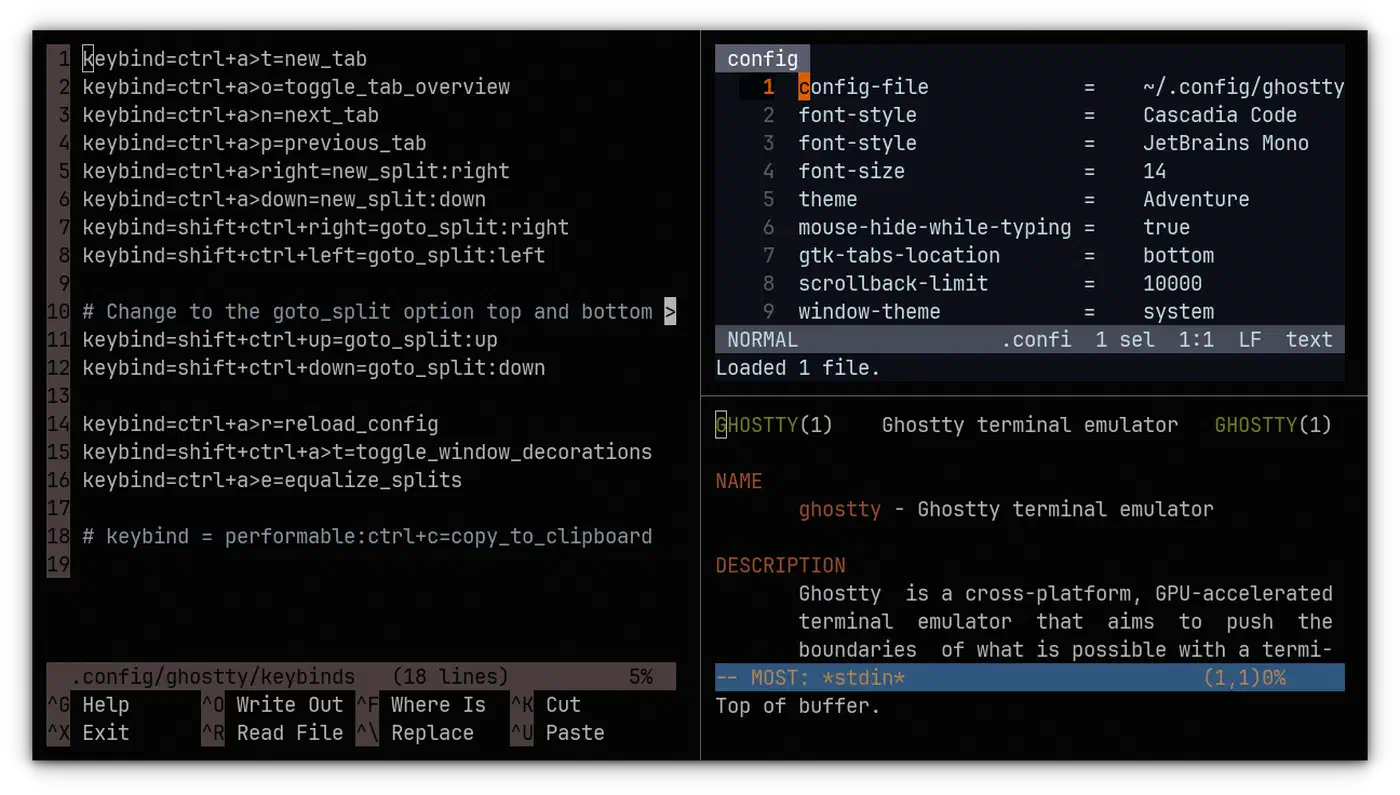
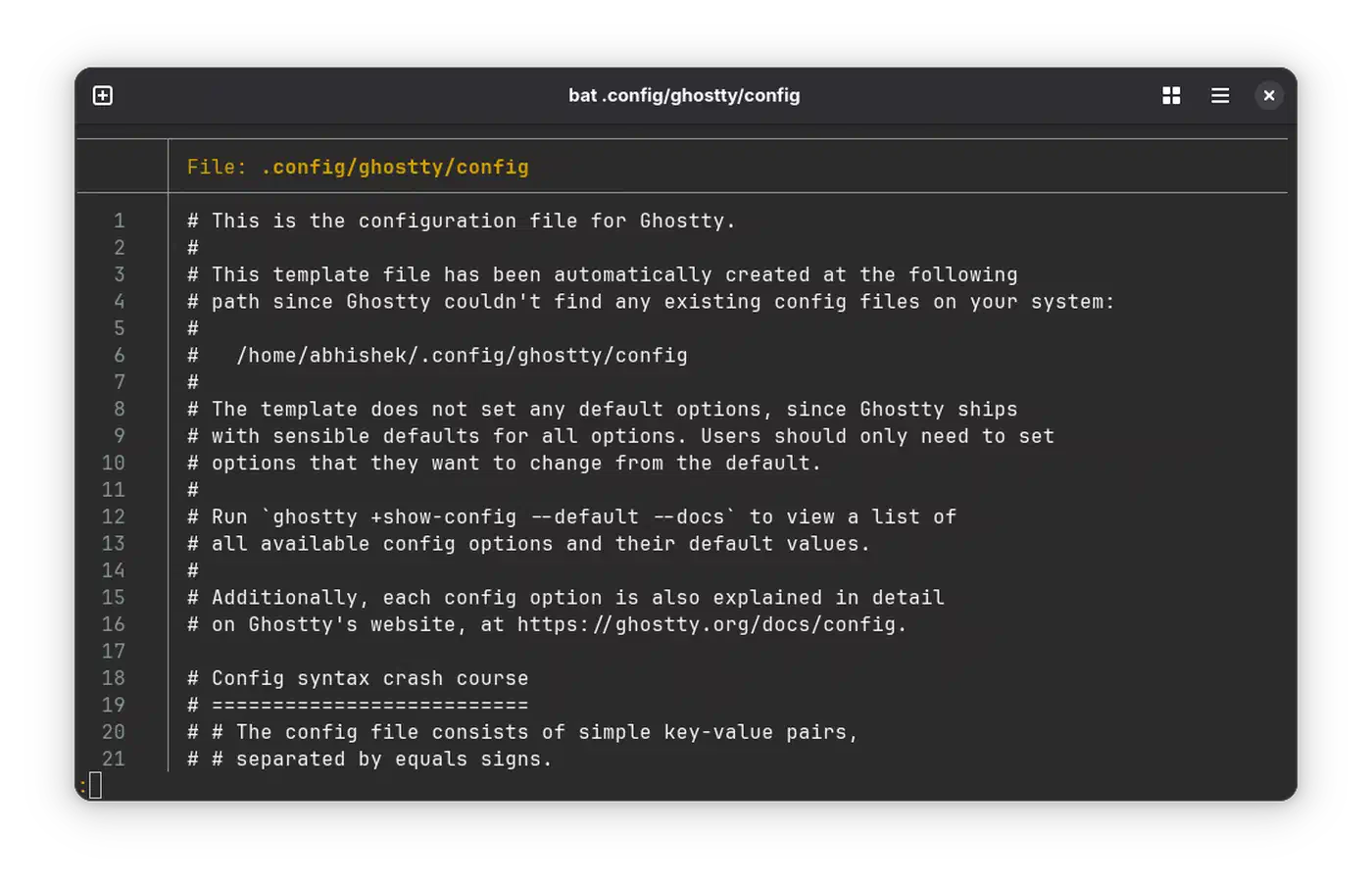
Settings live in a plain text file named config.ghostty, read from $XDG_CONFIG_HOME/ghostty/. On macOS it also reads ~/Library/Application Support/com.mitchellh.ghostty/. Older versions used the name config, and both names still load.
Set your font and size first
This is the one setting most people truly need. Run ghostty +list-fonts to see valid names. Then add font-family = "JetBrains Mono" and font-size = 14 to your config. Every key is also a command-line flag, so ghostty --font-size=16 tests a change without editing a file.
Check your shell integration
Ghostty injects shell integration on its own for bash, elvish, fish, nushell, and zsh. That is what powers prompt jumping, folder inheritance, and clean prompt resizing. The macOS system /bin/bash is too old for auto injection, so install a newer bash or source the script by hand.
Test the features you rely on
Ligatures, image display, hyperlinks, and mouse reporting all vary between terminals. Run your real tools once. Open a Neovim session with images, an ls with icons, and a TUI that draws boxes. The feature docs list what is supported if something looks wrong.
Set the terminal type your remote machines expect
Ghostty reports TERM=xterm-ghostty, and older servers will not know it. Copy the entry over with infocmp -x xterm-ghostty | ssh YOUR-SERVER -- tic -x -. Or turn on the ssh-terminfo shell integration feature and let Ghostty do it. The entry ships in ncurses 6.5-20241228 and later, so the problem fades as distros update.
Only then start tuning
Themes, key bindings, and window behaviour are worth changing once you know what actually irritates you. Bindings look like keybind = ctrl+d=new_split:right. Long configs split across files with config-file, and a ? prefix marks a file optional.
What to know before you install it
The repo publishes no GitHub releases. Version tags and the download page are what you track. That trips up anyone who watches new versions through GitHub notifications.
Settings are text only. A graphical panel is planned but not shipped, so the learning curve is reading the option reference instead of clicking through tabs.
The licence is MIT, which is very open for a project this size and fits the library goal. Anyone can embed the engine in a paid product without asking. That is looser than BRUTAL’s logo-and-credit license, which makes every shipped game show its logo before play.
The repo carries roughly 59,000 stars and about 260 open issues. That backlog comes from how many people use it, on a project its author calls a labour of love and nobody’s day job.
The last snag hits you whichever terminal you pick. Switching forces you to work out which habits belonged to the terminal and which belonged to the shell. Usually fewer are the terminal’s doing than you would guess.