 Botmonster Tech
You can build a private AI search engine modeled on Perplexity
. You combine SearXNG
with a local language model running through Ollama
. Here is the stack. SearXNG pulls results from many search engines at once. A Python scraper fetches and cleans the actual page content. The LLM then turns everything into a cited answer with inline references like [1], [2]. No API keys, no telemetry, no query logging to third-party AI services. A machine with 12 GB VRAM runs the whole pipeline, and most queries come back in 5-15 seconds.
Ollama

Self-Hosted AI Search: Combine SearXNG and a Local RAG Pipeline

Local Meeting Transcriber: Whisper, Ollama, Structured Notes
You can build a fully local meeting transcriber on Linux. Capture system audio with PipeWire. Transcribe with Faster-Whisper on your GPU. Pipe the transcript to a local LLM through Ollama for structured summaries with names, decisions, and action items. The pipeline runs on 16GB of RAM and a mid-range NVIDIA GPU, and produces notes within seconds of the call ending. No data leaves your network.
Commercial services like Otter.ai and Fireflies.ai route your audio through their servers. If your meetings cover sensitive topics like product plans, HR, or legal reviews, that’s a non-starter. A local pipeline gives you the same structured output, and nothing leaves your building.

Route Ollama, vLLM, OpenAI through one LiteLLM API
You can unify access to Ollama, vLLM, cloud providers like OpenAI, Anthropic, and Google, plus custom model servers behind one OpenAI-compatible endpoint using LiteLLM Proxy
. LiteLLM is a reverse proxy. It maps the standard /v1/chat/completions request to each provider’s native API. From one YAML file it handles auth, model routing, load balancing, fallbacks, rate limits, and spend tracking. Your app calls one endpoint with one key, and LiteLLM picks the right backend. You can swap models, add providers, or run A/B tests without touching app code.

Code Interpreter with Ollama and Docker: Unlimited, Private
You can build a fully local, sandboxed code interpreter agent. You pair Ollama (running a reasoning model such as Scout, the smallest Llama 4 variant , or DeepSeek R1) with a Docker container that runs the generated Python code. The agent sends a prompt to the local LLM, which writes Python. That code goes into a locked-down container with no network and strict limits. The output feeds back to the LLM so it can fix and retry. The whole loop runs on your machine with zero cloud calls.

Run Vision Models Locally: Florence-2 and Qwen-VL for Image Analysis
Florence-2 and Qwen2-VL both run on consumer NVIDIA GPUs with as little as 8 GB VRAM. They handle OCR, object detection, image captioning, and visual question answering, all of it offline. Florence-2 uses a small sequence-to-sequence design with task prompt tokens. That makes it fast and reliable for structured extraction. Qwen2-VL takes a chat-style approach. It handles open-ended reasoning, dense documents, and follow-up questions. The two models work best as a pair, not as swaps for each other.
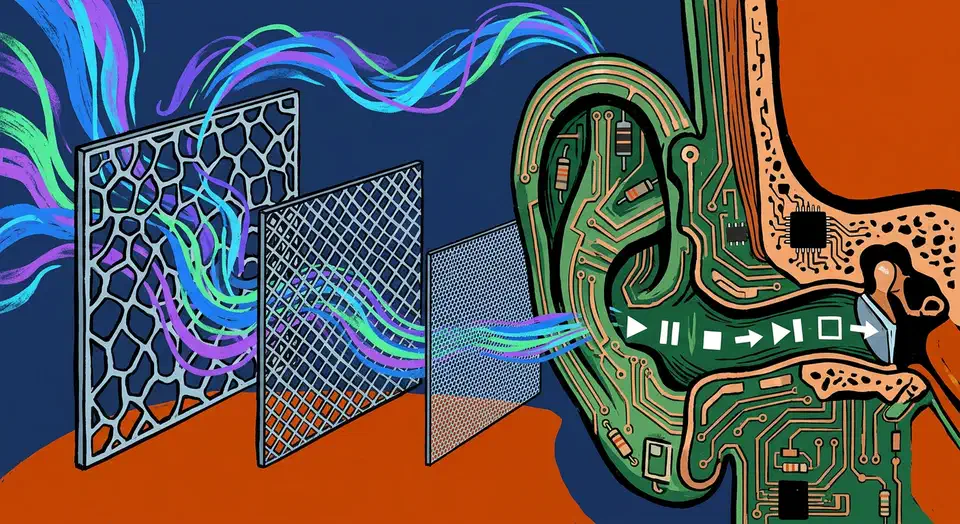
Home Assistant AI Voice With a Local LLM: What Works in 2026
Home Assistant AI voice control with a local LLM as the brain is practical in 2026. No Amazon, no Google, no cloud. The Assist pipeline already handles the plumbing: wake word, speech-to-text, a conversation agent, and text-to-speech, all on your own hardware. Setting that up is the easy part. The hard part is picking a local model that calls Home Assistant’s tools without guessing. The loop also has to be fast, or it will never feel like a real assistant. This guide covers both: the 2026 stack, the models the community actually trusts, and the latency budget that makes it work.