 Botmonster Tech
Orca runs five AI coders at once and four of them lose
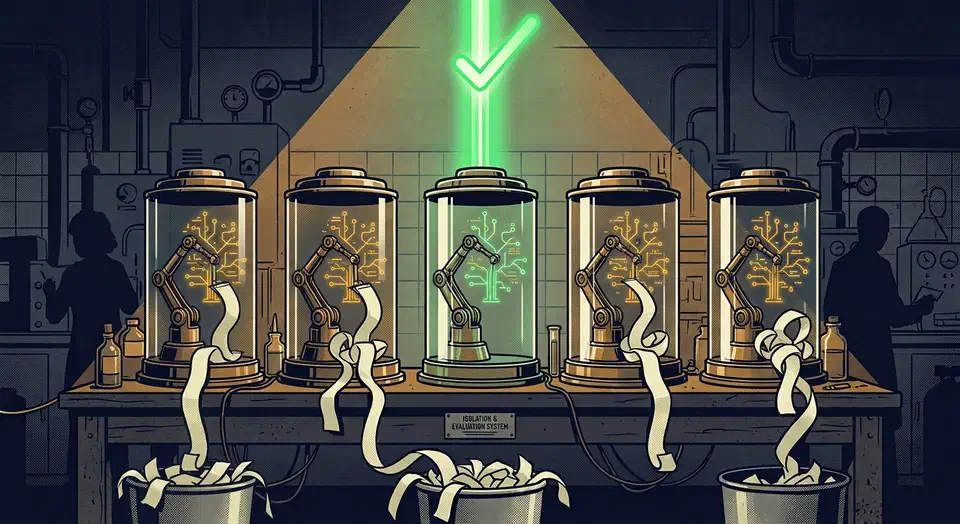
Orca runs five AI coders at once, each locked in its own git worktree, and four of those five diffs go straight in the bin. The desktop app itself is free. The real bill is the fan-out: five agents chewing on one task burn five subscriptions’ worth of tokens to produce one merged answer.
Key Takeaways
- Orca runs several coding agents at once, each on its own branch.
- Racing five agents at one task means paying five times for one answer.
- It works with any terminal coding agent, and you bring your own subscription.
- A phone app lets you check agents and reply while away from your desk.
- If tmux and git worktrees already work for you, Orca is optional.
What is an agentic development environment?
An agentic development environment, or ADE, is a desktop app designed for many AI agents working one repo at the same time. A normal IDE assumes one human editing one file. A terminal multiplexer gives you many shells that have no idea what a repo even is. In an ADE the editor and the terminal get demoted to supporting panes. The unit of work is now an agent session attached to a branch.
Orca is the clearest example of the shape right now. It comes from Stably AI, ships under the MIT license, and has desktop builds for macOS, Windows, and Linux. The homepage lives at onorca.dev, and the first public commit landed on 17 March 2026.
Read the age carefully. Orca is four months old, and most of the attention around it is younger than that. The ideas are settled; the software is not.
An ADE adds three things your IDE has no reason to offer:
- a session list where every running agent shows a live status
- a branch per session, so no agent ever sees another agent’s half-finished edits
- a review surface built for reading machine-written diffs
Against a bare terminal, Orca creates and destroys git worktrees for you. It also gives you a diff reviewer whose inline comments go back to the agent, and it pings you when a long run finishes.
What it doesn’t replace is the agent itself. Orca ships no model and runs no inference. Claude Code, Codex, Grok, Cursor, GitHub Copilot, OpenCode, Goose, Pi, and roughly two dozen more work because they are terminal programs. Pi even has a browser front end of its own that reads its session files and switches worktrees. The built-in account switcher only tracks usage on the plans you already pay for.
The supported agents list sets a single bar for compatibility: run in a terminal and you are in, and there is no per-agent integration to wait for. Picking which of them to run first is a separate call, and the free-tier comparison sorts them by what each one actually finishes.
Why parallel agents need one git worktree each
Two agents sharing one working directory will wreck each other inside a minute. They share the same files, the same index, and the same node_modules. A git worktree fixes that by giving each agent a real directory on a real branch, all sharing one object database.
Running git worktree add ../feature-x feature-x creates a second checkout on a different branch. The .git objects are shared, so on disk you pay for one more copy of your source tree and nothing else.
Agents need this more than humans do. An agent reads the working tree as ground truth. A file half-edited by another agent becomes false context, and the second agent will confidently build on top of a broken state. It won’t ask why the function it just read has no closing brace.
The git index breaks the same way. It is a single file per checkout. Two agents running git add and git commit in one directory produce interleaved commits that nobody can untangle later.
Orca treats worktrees as first-class objects in the interface. They get created, tracked, and torn down for you, and quick open searches across worktrees, files, agents, and commands. The isolation never decays into five windows you lose track of by lunchtime.
There is a tax that the marketing pages skip, though. Each worktree is a fresh checkout, so each one wants its own node_modules, its own virtualenv, and its own build cache. Five agents on a large JavaScript repo can mean five installs and several gigabytes of disk before the first prompt runs. Budget for it. On a Mac, Mole’s purge command finds those stale node_modules and build folders once the branches are merged.
Anyone staying in the terminal can reproduce most of this for free. git worktree add plus one tmux window per tree gets you the same isolation. Orca only saves you the bookkeeping.
Orca runs five AI coders at once, then you throw four away
You write one prompt, tick the agents you want, and each one goes to work in its own worktree on its own branch. Orca lays the competing results side by side, you annotate the diffs, and the winner gets merged. Merging that branch back is where rebase conflicts usually bite, and jj’s first-class conflicts let the merge land even before every clash is resolved. Five is the number the feature list leads with.
Now the arithmetic, which no vendor page states plainly. Five agents on one task means five times the tokens, five times the tool calls, and five times the test runs. Four of the five outputs get discarded by design. Fan-out is a search strategy, and search costs compute.
Sometimes the trade pays. Ambiguous tasks with many valid shapes are the sweet spot: a refactor with three defensible approaches, an API design, a bug with several plausible causes. Different agents really do diverge on those, and reading three finished approaches beats iterating one agent three times.
Mechanical work is where the money leaks. Renaming a symbol, bumping a dependency, or adding a test for a known case all have exactly one right answer. Five agents will hand you five near-identical diffs and one bill.
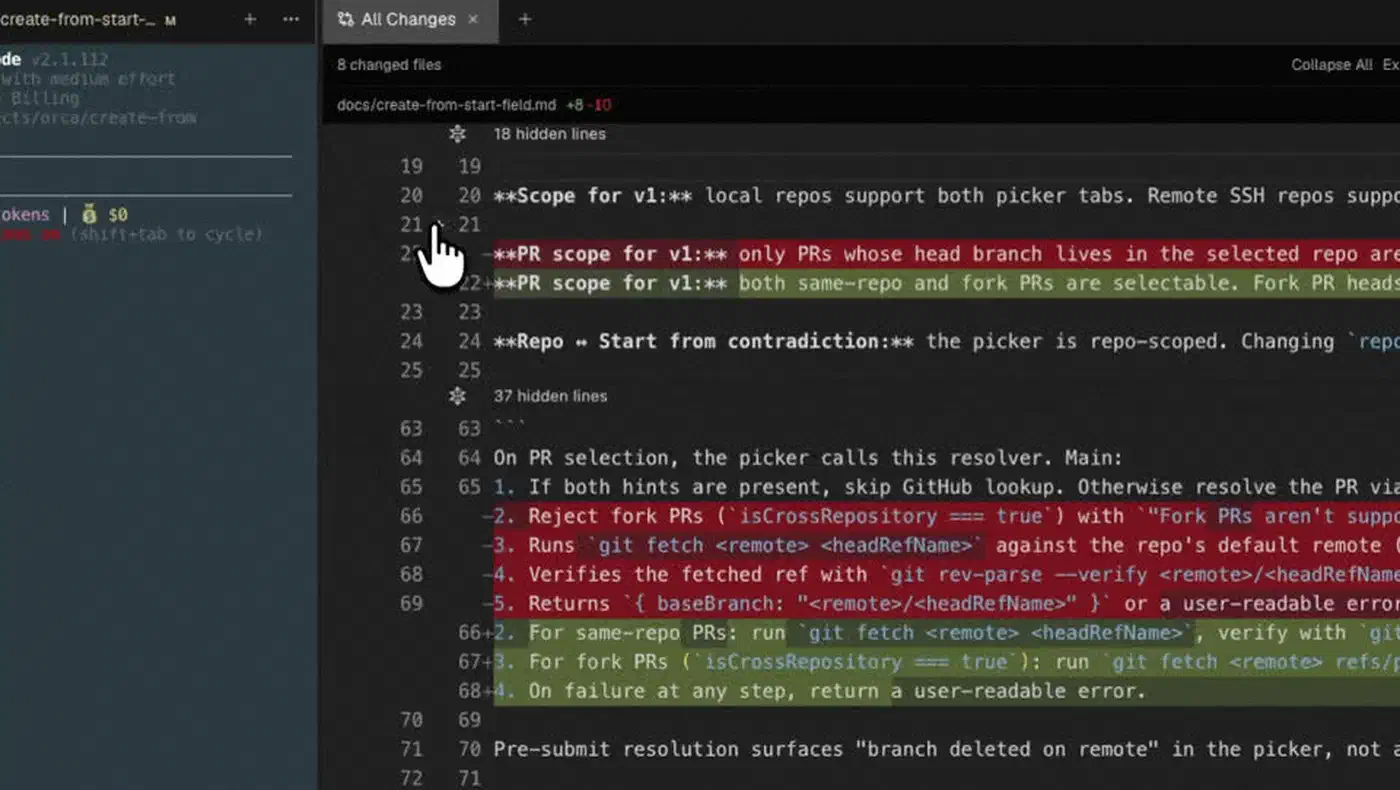
Review load is the real ceiling. Generating five diffs takes a few minutes of wall clock and zero human attention. Reading five diffs carefully takes a human hour. Skimming them defeats the whole point of running five in the first place.
Orca’s answer to that is annotation. You comment on any diff line and send the comment back to the agent without leaving the app. That shortens the loop, but it doesn’t shrink the reading.
What actually degrades when you run agents in parallel
I’ve never installed Orca, so nothing here is a claim about the app. But I do run two or three coding agents at once on a 32 GB Linux workstation, usually in separate checkouts. The thing that breaks first is me.
Two parallel runs feel productive. Three is where I start losing the thread: I come back to a finished agent and spend two minutes remembering what I asked it. The machine copes better than I do. Each agent process is modest on its own, though a language server per checkout is heavy. Two test suites competing for cores turn a 40 second run into two minutes, with the fans audible from the next room.
My limit is attention, not CPU, and a session list doesn’t raise it. Orca makes five agents easier to track, but somebody still has to read five diffs and pick. If you can’t tell which one is best in a few minutes, you have bought yourself five problems.
Mobile companion, SSH worktrees, and Design Mode
Around the core loop sit a handful of smaller features. Together they are the whole argument for a desktop app over a terminal setup.
The mobile companion is on the iOS App Store, with a TestFlight build alongside it. You get a notification when an agent finishes and can fire off a follow-up from your phone. Android is a sideloaded APK at version 0.0.32, shipped straight from GitHub releases with no Play Store listing. That tells you where the platform sits on the roadmap.
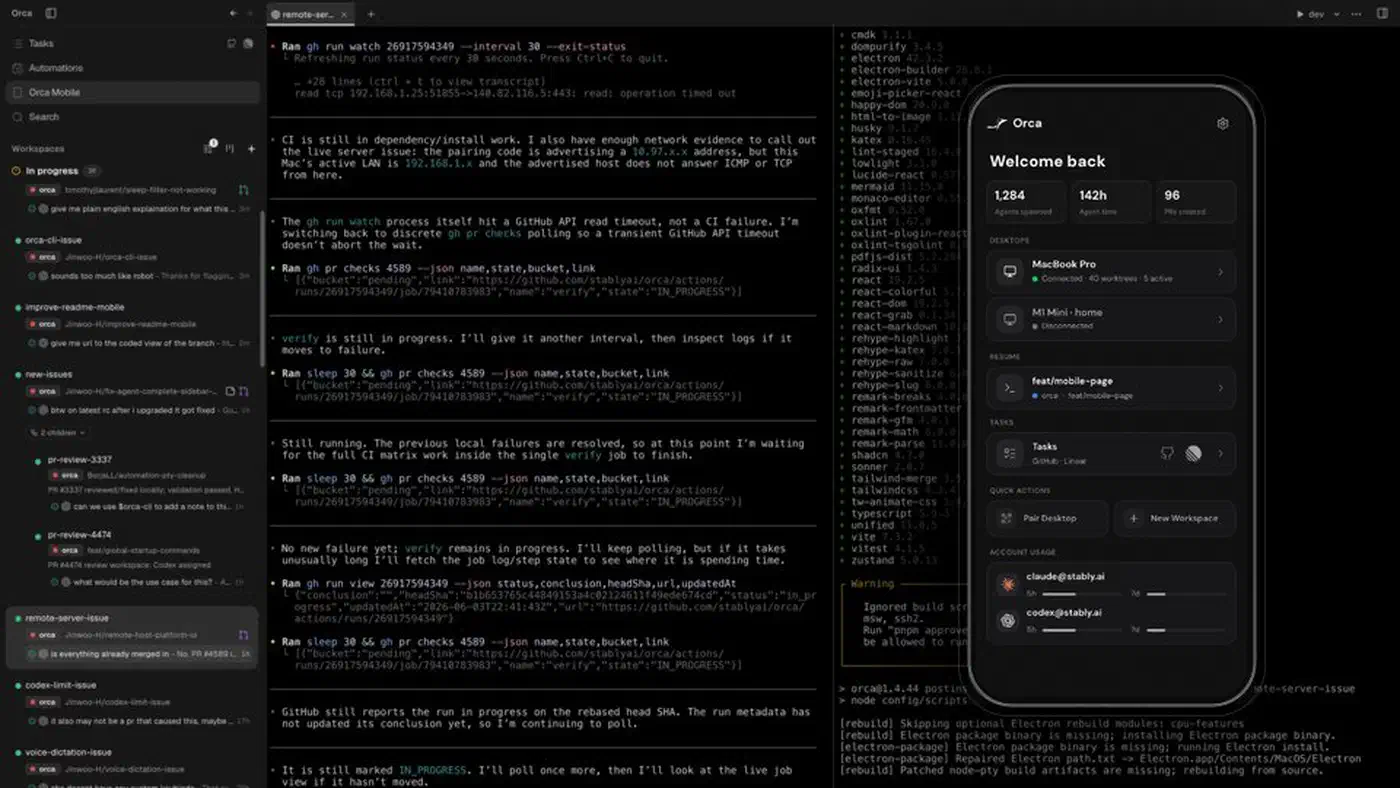
SSH worktrees let you run the agents on a remote box, with full file editing, git, and terminals. You also get auto-reconnect and port forwarding. This is the feature for anyone whose laptop can’t host five agents at once. It turns “buy a bigger laptop” into “rent a bigger server”.
Design Mode is the one that surprised me. You click an element in a real Chromium window, and Orca packages the markup, the styles, and a cropped screenshot into the prompt. For front-end work that removes the worst part of the loop: describing in words what you’re pointing at.
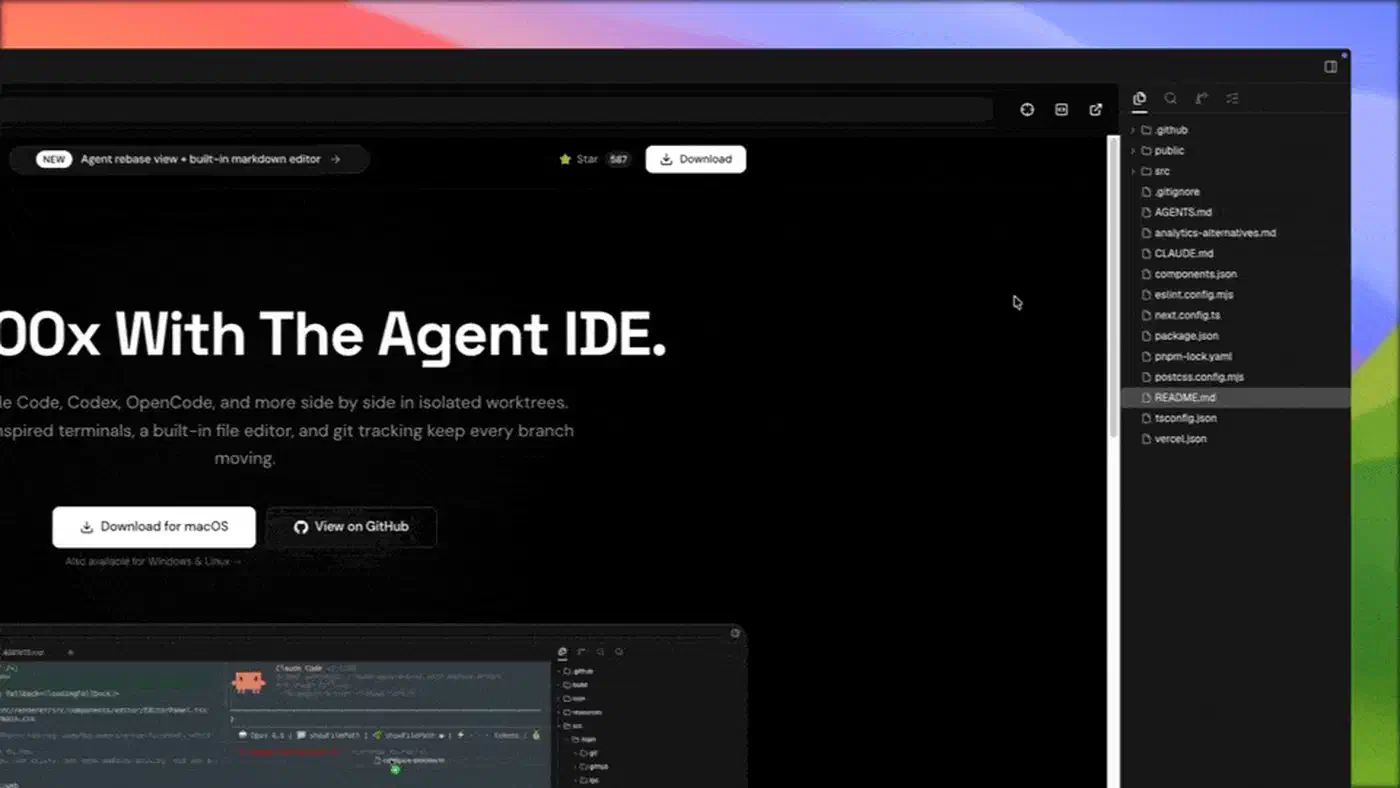
The rest is minor: in-app Linear boards, a CLI an agent can drive. The one worth naming is terminal scrollback that survives a restart. An agent’s terminal output is the audit trail of what it did.
Packaged builds send anonymous usage telemetry by default, keyed to a random local ID. The privacy and telemetry docs say no file contents, prompts, repo names, branch names, or paths ever leave your machine. You turn it off with DO_NOT_TRACK=1 or ORCA_TELEMETRY_DISABLED=1. Stably AI is also Y Combinator backed and already runs an enterprise page inviting deployment and security conversations. The app is MIT today, and the paid layer is being built next to it.
Who needs Orca and who is fine with tmux
Orca’s audience is narrower than the buzz around it suggests. The comparison that decides it is Orca against git worktree add plus tmux, which costs nothing and already sits on your machine.
Buy in if you already pay for two or more agent subscriptions and already run them in parallel. The tell is that your real bottleneck has become losing track of which branch does what. Front-end teams have their own reason, since Design Mode removes genuine friction. So do teams living in Linear, where opening a worktree from a ticket becomes a daily action. And if your workstation or server outguns your laptop, SSH worktrees are the cleanest remote agent story in a desktop app right now.
Skip it if you run one agent. A single Claude Code session in one terminal needs no orchestrator, and a desktop app wrapped around it is pure overhead. One agent plus a shelf of narrow, sharp skills gets you further than five agents guessing in parallel. Skip it too if you’re on a metered plan, since the flagship feature multiplies spend by the number of agents you tick.
Several worktree orchestrators shipped into the same window, and they differ mostly on license and reach.
| Tool | License | Platforms | Agents supported |
|---|---|---|---|
| Orca | MIT | macOS, Windows, Linux, plus iOS and Android | Any CLI agent |
| Vibe Kanban | Apache 2.0 | Desktop, kanban board UI | Claude Code, Codex, and others |
| Claude Squad | AGPL 3.0 | Terminal UI | Claude Code, Codex, OpenCode, Amp |
| Conductor | Closed source | macOS only | Claude Code, Codex, Cursor |
| Nimbalyst (was Crystal) | MIT | Desktop app | Claude Code, Codex |
Maturity works both ways here. The project ships daily, so fixes land fast, and whatever you learned last month may have moved. The feature list concedes as much and points readers at the changelog as the only current record, so check that before you trust any published feature table, this one included.
Orca is the best-assembled ADE available today. It speeds up a workflow you should already have, and it won’t hand you that workflow.