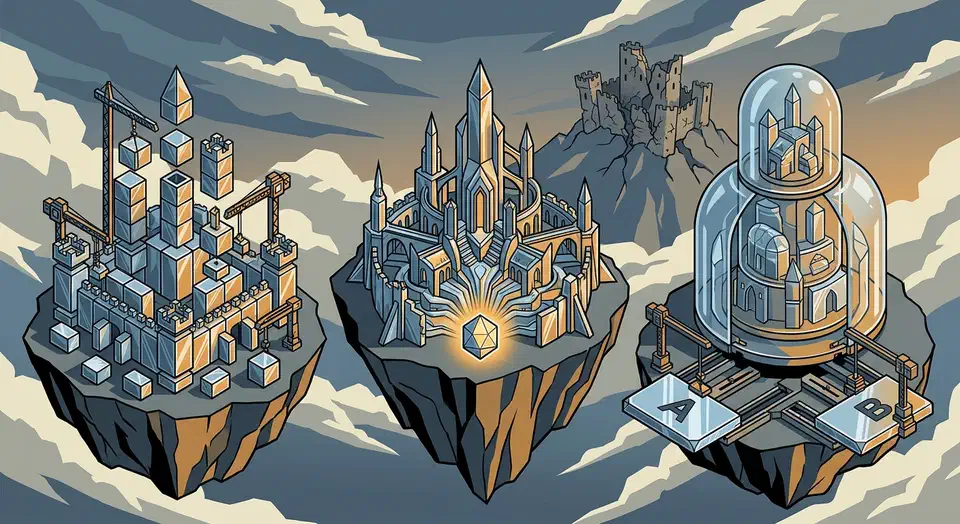
ZFS provides stronger data integrity guarantees with its battle-tested RAIDZ implementations, end-to-end checksumming, and a proven track record on mission-critical NAS systems. Btrfs is the better choice for single-disk desktops and laptops where its tight Linux kernel integration, transparent compression, and snapshot-based rollback offer excellent data protection without the RAM overhead ZFS demands. The right answer depends entirely on your hardware, your workload, and how many disks you are working with.
Build a Fanless Home Server for Under $300: Silent, Efficient, and Powerful
A fanless home server under $300 is real in 2026. Using an Intel N150 or N305 mini PC - the Beelink EQ12 Pro or GMK NucBox G3 - you get a passively cooled machine that draws 6-15W under load, makes zero noise, and handles a full stack of self-hosted services: Home Assistant, Jellyfin, Vaultwarden, Nextcloud, Immich, and a WireGuard VPN all running simultaneously without a single fan spinning.
Podman vs Docker on Linux: Which Container Runtime Should You Use?
For most Linux users in 2026, Podman is the better default choice. Its daemonless, rootless architecture eliminates the security surface area that comes with Docker’s persistent root-level daemon, and its native systemd integration means containers behave like any other service on a modern Linux box. That said, Docker remains the safer pick if your workflow leans heavily on Docker Compose v2 plugins, Docker Desktop’s GUI and extension ecosystem, or third-party tooling that still assumes the Docker socket API.
Hyprland vs Sway vs COSMIC: Best Wayland Compositor for Developers in 2026
Sway is the most stable, battle-tested tiling compositor for developers who want an i3-like setup with zero surprises. Hyprland offers the flashiest animations and deepest customization. It also demands more tinkering. COSMIC from System76 is the best pick if you want a polished, full desktop with tiling built in, instead of stitching a compositor together by hand.
The right pick depends on how you actually work. How many monitors do you run? Do you want to set up everything by hand? How much patience do you have for the odd glitch? Those answers map straight to the splits across design, display handling, tiling models, plugins, and real-world stability.
The State of Consumer SBCs in 2026: Trends, Trials, and the RISC-V Frontier
The consumer SBC market in 2026 is not dead - it is just no longer what it was sold as. Raspberry Pi, Orange Pi, Rock Pi, and the rest of the single-board computer crowd now ship 70-80% of their units to industrial customers: factory automation, digital signage, point-of-sale terminals, and medical devices. The $35 computer that was supposed to put a hackable Linux machine in every teenager’s bedroom is now more likely to be bolted inside a vending machine in a shopping mall.
30W Solar Raspberry Pi Server: Off-Grid Setup
Yes, you can build a self-sufficient, portable Raspberry Pi server powered entirely by the sun - no mains power, no generator, no ongoing fuel cost. With a 30W solar panel, a 12.8V LiFePO4 battery, a charge controller, and a handful of systemd scripts, you can run a weather station, a mesh network node, or a local web server indefinitely from a fence post, a rooftop, or a field station. This guide walks through the math, the parts, and the software that make it work reliably rather than just technically possible.
Botmonster Tech