 Botmonster Tech
If you’ve been following the mechanical keyboard scene over the past couple of years, you’ve probably noticed Hall Effect keyboards moving from niche curiosity to genuine mainstream contender. The technology that was once confined to expensive custom builds and obscure group buys is now showing up in mid-range boards from Keychron, Razer, and SteelSeries. And at the top of the pile, two keyboards have emerged as the flagships of the Hall Effect world: the Wooting 80HE and the Geon Raw HE .
Hardware

PiKVM KVM-over-IP: Raspberry Pi, $80-$385, Virtual Media, ATX
PiKVM turns a Raspberry Pi into a full KVM-over-IP device. It gives you IPMI-like remote access to any computer’s BIOS, boot loader, and OS through a web browser. You wire the Pi to the target machine’s HDMI output and USB port. Then you open the PiKVM web page from anywhere on your network. You get live video of the screen, keyboard and mouse control, virtual media mounting, and ATX power control. A DIY build runs under $100 in parts. Even the top PiKVM V4 Plus at about $385 costs far less than IPMI modules from HPE or Dell.

Raspberry Pi 5: N64 and Dreamcast finally run full speed
A Raspberry Pi 5 running RetroPie or Batocera turns a $80 single-board computer into a retro gaming console that handles everything from NES and SNES through PlayStation 1, N64, Dreamcast, and even some PSP titles. The Pi 5’s quad-core 2.4 GHz Cortex-A76 CPU and VideoCore VII GPU deliver roughly 3x the single-core performance and 2.8x the GPU throughput compared to the Pi 4, making previously choppy N64 and Dreamcast games run at full speed for the first time on Pi hardware. With Bluetooth controller support, CRT shaders, and a polished menu system, the result rivals commercial retro consoles like the Analogue Pocket or Retroid Pocket at a fraction of the cost.
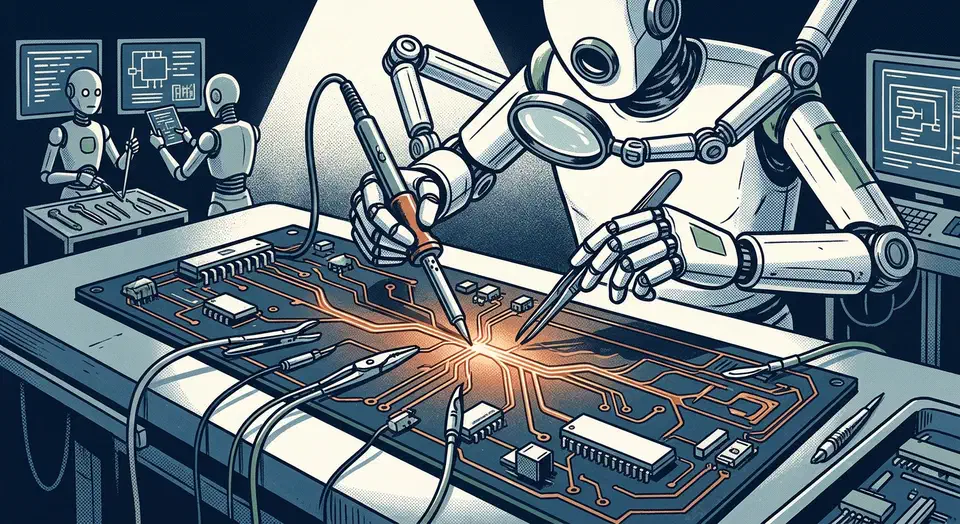
Mechanical Keyboard PCB Repairs with Flux and Continuity Tests
Fixing a broken mechanical keyboard PCB usually means re-soldering a loose hotswap socket or bridging a damaged trace with a small piece of wire. With a basic soldering iron, some flux, and a multimeter, you can fix the most common keyboard faults yourself. You don’t need to replace the whole keyboard. Most repairs take 15 to 30 minutes once you’ve found the fault.
ESD Safety First
Before you touch any PCB, set up your ESD (electrostatic discharge) precautions. A static jolt too small to feel can wreck the microcontroller or the key matrix diodes on a keyboard PCB. Two steps cover almost every build:
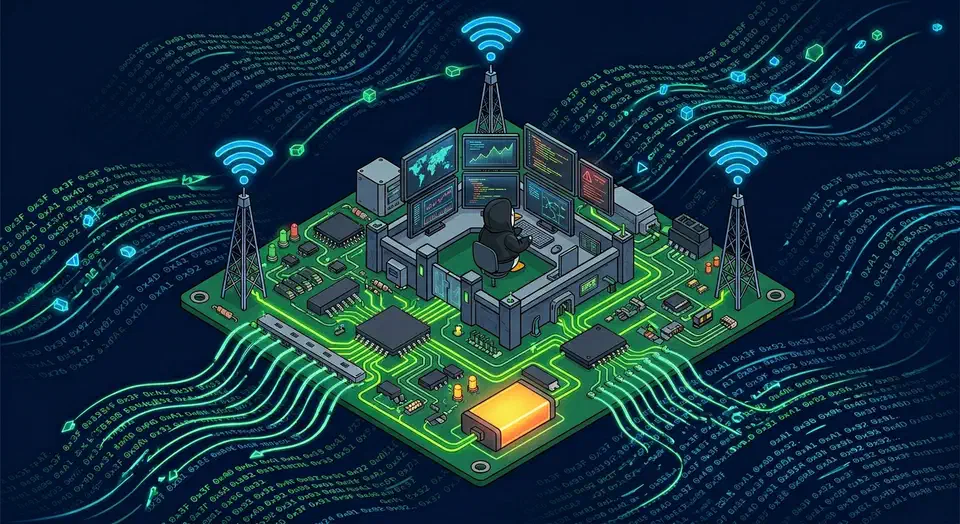
Build a Portable Hacking Lab with a Raspberry Pi 5
You can build a self-contained pen testing lab on a Raspberry Pi 5 running Kali Linux ARM64. Add a battery HAT, a 7-inch display, and a wireless adapter that does packet injection. Total cost lands between $200 and $250. The result is a pocket-sized hacking kit that runs Nmap, Burp Suite, Wireshark, Aircrack-ng, and Metasploit in the field, at CTF events, or on jobs where you can’t lug a laptop.

NVMe Gen5 Linux Benchmarking: 12K-14K MB/s Expected Performance
To benchmark your SSD on Linux, use fio for full sequential and random I/O tests, hdparm for a quick sequential read check, and GNOME Disks for a visual one-click run. A healthy Gen5 NVMe drive (a Crucial T705, Samsung 990 EVO Plus Gen5, or WD Black SN8100) should hit 12,000-14,000 MB/s sequential reads and over 1,200,000 random 4K read IOPS. Gen4 drives top out near 7,000 MB/s sequential and 800,000-1,000,000 IOPS. If your numbers fall well short, there is usually a clear reason: heat throttling, a PCIe slot at the wrong generation, or a bad I/O scheduler setting.