Botmonster Tech
AI Smart Home Self-Hosting Coding Web Dev Hardware jQuery Bootpag Image2SVG Tags
Botmonster Tech
AISmart HomeSelf-HostingCodingWeb DevHardwarejQuery BootpagImage2SVGTags
Monitor 3D Printer with Home Assistant Integration

Monitor 3D Printer with Home Assistant Integration

Yes, you can watch and control your 3D printer from anywhere. Just connect OctoPrint or Moonraker to Home Assistant . Both print servers expose APIs that Home Assistant can poll for live data: print progress, temperatures, camera feeds, and error states. From there you can build dashboards, fire phone alerts when a print ends, spot failures with AI camera checks, and cut power to a runaway printer through a smart plug. Setup takes about an hour once your print server runs on a Raspberry Pi. The result: a 3D printer that acts like any other smart device.

Old Android Phones as MQTT Sensors, Cameras, and Dashboards

Old Android Phones as MQTT Sensors, Cameras, and Dashboards

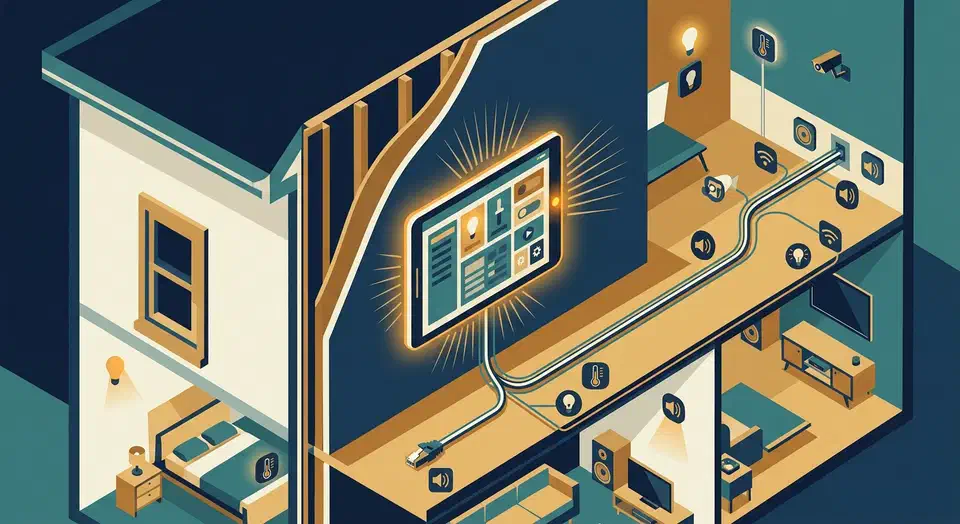
That old Android phone gathering dust in your drawer is a fully equipped sensor platform. It has a camera, microphone, ambient light sensor, barometer, accelerometer, proximity sensor, and a touchscreen - all connected to your WiFi network. Instead of recycling it or letting it rot, you can turn it into a motion-detecting security camera, a room environment sensor publishing data over MQTT, or a wall-mounted Home Assistant dashboard that rivals commercial smart displays costing $150 or more. The entire setup runs on free or near-free software, keeps your data local, and takes about an hour to configure.

ESP32 Mailbox Sensor: Reed Switch, VL53L0X, $15, Months Battery

ESP32 Mailbox Sensor: Reed Switch, VL53L0X, $15, Months Battery

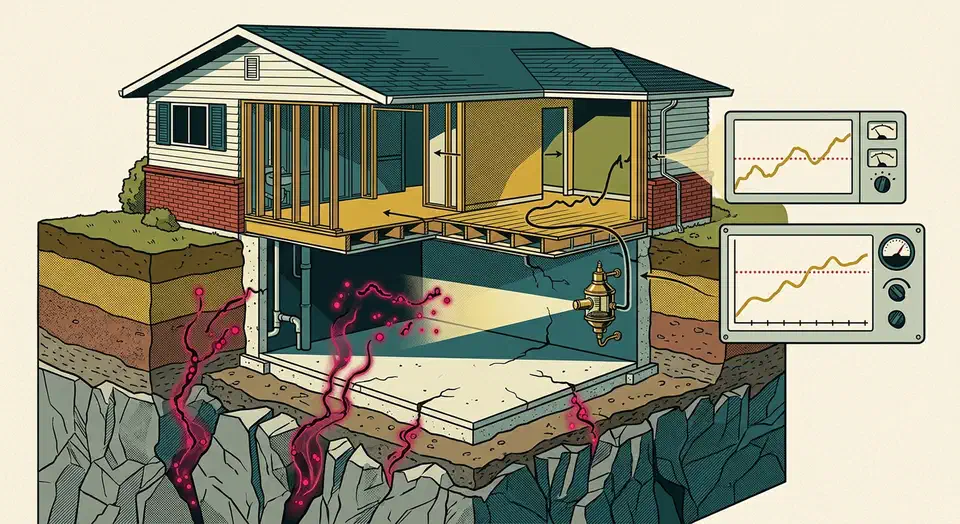
Mount an ESP32-C3 Super Mini with a reed switch on the mailbox door (or a VL53L0X time-of-flight distance sensor inside the box), flash it with ESPHome 2026.3, and wire it into Home Assistant - you will get instant push notifications on your phone the moment mail lands. The total parts cost sits under $15, and deep sleep keeps the whole thing alive for months on a single 18650 cell.

Local Z-Wave Alarm: $250 Setup, No Monthly Fee

Local Z-Wave Alarm: $250 Setup, No Monthly Fee

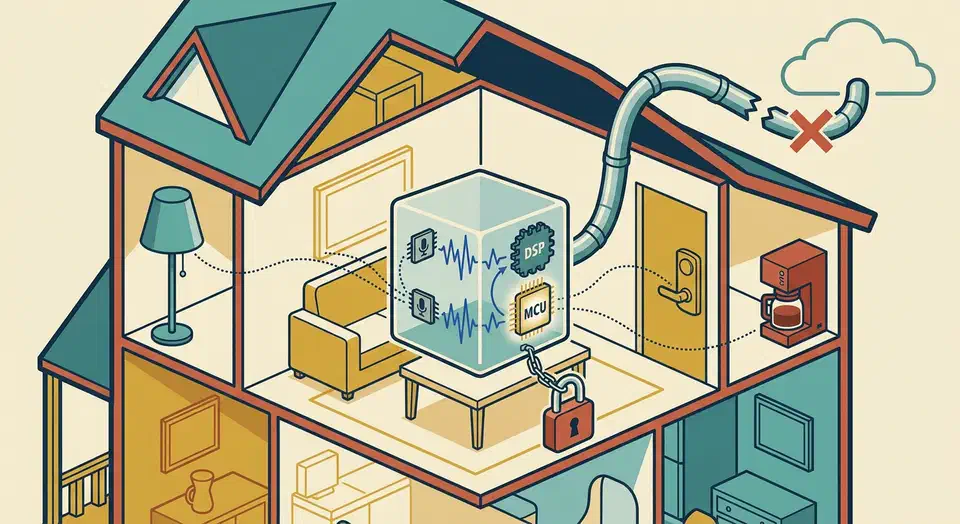
You can build a fully local, cloud-free home alarm system using Z-Wave door and window sensors, motion detectors, and a siren connected to Home Assistant via a Z-Wave JS controller. The built-in alarm_control_panel integration combined with automations handles arming, disarming, entry delays, and siren activation entirely on your local network. No cloud subscription, no monthly monitoring fee, and the alarm keeps working even when your internet goes down.

Professional monitored systems like SimpliSafe and Ring Alarm cost $10-25 per month and route every sensor event through a company’s cloud servers. If their servers go down or the company decides to change pricing, your security system is at their mercy. A local Z-Wave setup running on Home Assistant puts you in full control. The total hardware cost is roughly $250-350 for a three-bedroom home, with zero ongoing fees. The trade-off is that you handle configuration, testing, and monitoring yourself - but if you are already running Home Assistant, you have the skills to make this work.

Veepeak vs OBDLink: BLE OBD-II for Home Assistant

Veepeak vs OBDLink: BLE OBD-II for Home Assistant

You can stream live vehicle diagnostics and GPS location to Home Assistant by pairing a Bluetooth Low Energy OBD-II adapter with an ESPHome -based BLE proxy or a dedicated Android device running Torque Pro . This setup feeds real-time fuel economy, engine codes, coolant temperature, and GPS coordinates into Home Assistant entities, enabling geo-fenced automations like opening your garage door on arrival or logging trip fuel costs - all without any cloud dependency.

Thread Border Routers for Matter Smart Home: 2 Min, 1500+ Devices

Thread Border Routers for Matter Smart Home: 2 Min, 1500+ Devices

You deploy at least two Thread border routers - using an Apple HomePod Mini, a Google Nest Hub (2nd gen), or a DIY OpenThread Border Router (OTBR) on a Raspberry Pi - and connect them to the same Thread network. This gives your Matter -compatible smart locks, sensors, and lights a reliable IPv6 path to your IP network, letting them talk to Home Assistant , Apple Home, and Google Home simultaneously through Matter’s multi-admin feature. Two border routers is the minimum for any production Thread network; if one goes down, the other keeps your mesh alive.

  • ◀︎
  • 1
  • 2
  • 3
  • 4
  • …
  • 6
  • ▶︎

Most Popular

Thread Border Routers for Matter Smart Home: 2 Min, 1500+ Devices

Thread Border Routers for Matter Smart Home: 2 Min, 1500+ Devices

Set up Thread border routers to bridge Matter devices to your network. Choose between HomePod Mini, Nest Hub, or Raspberry Pi, then configure setup.

Home Assistant Smart Irrigation: Local Control, $25-89 Hardware

Home Assistant Smart Irrigation: Local Control, $25-89 Hardware

Build a smart garden irrigation system with Home Assistant, rain sensor, and automations. Zero cloud subscriptions, full local control, affordable hardware.

Snapcast Multi-Room Audio System: 5 Rooms Under $300

Snapcast Multi-Room Audio System: 5 Rooms Under $300

Build a cloud-free multi-room audio system with Snapcast and Home Assistant. Sub-millisecond sync across five rooms for an affordable Sonos alternative.

Should You Move from Zigbee2MQTT to Matter in 2026?

Should You Move from Zigbee2MQTT to Matter in 2026?

Matter 1.4 unifies smart home ecosystems while Zigbee2MQTT still wins on battery life and range. Run both: Matter for new devices, Zigbee for the long tail.

Home Assistant Energy Dashboard: 4 Flows, Solar, and Battery Tracking

Home Assistant Energy Dashboard: 4 Flows, Solar, and Battery Tracking

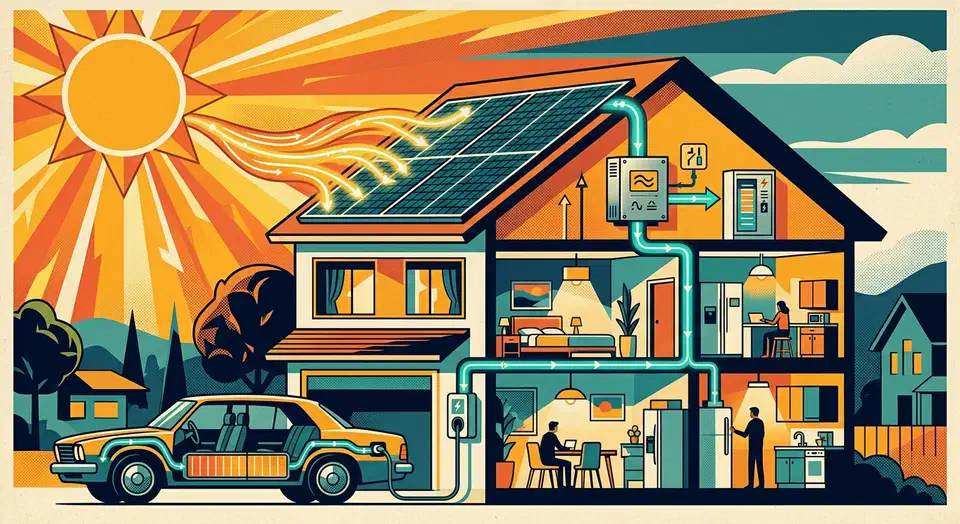
Track solar production, battery charge cycles, and home consumption in Home Assistant's Energy Dashboard without relying on third-party vendor cloud apps.

Home Assistant Dashboards: 6 Conditional Card Types and HACS Extensions

Home Assistant Dashboards: 6 Conditional Card Types and HACS Extensions

Build context-aware Home Assistant dashboards with conditional cards. Show or hide elements by state, time, presence, and screen size for automatic adaptation.

Like what you read?

Get new posts on Linux, AI, and self-hosting delivered to your inbox weekly.

Privacy Policy  ·  Terms of Service
2026 Botmonster