Botmonster Tech
AI Smart Home Self-Hosting Coding Web Dev Hardware jQuery Bootpag Image2SVG Tags
Botmonster Tech
AISmart HomeSelf-HostingCodingWeb DevHardwarejQuery BootpagImage2SVGTags
Run Home Assistant in a Proxmox VM for Maximum Flexibility

Run Home Assistant in a Proxmox VM for Maximum Flexibility

Running Home Assistant OS (HAOS) inside a Proxmox VE virtual machine gives you the full, officially supported installation - add-ons, Supervisor, automatic updates - while sharing hardware with other VMs and containers. On a modest Intel N305 mini PC, you can run HAOS alongside Plex, Vaultwarden, Nextcloud, and a WireGuard VPN with room to spare. The entire setup takes under 30 minutes. Download the HAOS QCOW2 image, create a VM in Proxmox, import the disk, boot, and you are up and running.

Home Assistant Blueprints: 3 Domains, Hundreds of Templates

Home Assistant Blueprints: 3 Domains, Hundreds of Templates

Home Assistant Blueprints are reusable automation templates. They split the logic from the per-device bits. You define a pattern once, say a motion light with a timeout, then spin it up for every room by filling in a form. No YAML to copy. No ten near-twin automations to babysit. In Home Assistant 2026.4, blueprints span three domains: automation, script, and template. They ship dozens of selector types for clean input forms and tidy collapsible sections for bigger setups. They’re the fastest way to keep smart home behavior the same across many devices.

Home Assistant Dashboards: 6 Conditional Card Types and HACS Extensions

Home Assistant Dashboards: 6 Conditional Card Types and HACS Extensions

Yes, Home Assistant ships a built-in conditional card. It shows or hides any dashboard card based on live state: entity value, time of day, who is home, screen size, and more. Add template sensors and a few HACS cards, and you can build dashboards where morning shows weather and coffee buttons, evening shows media and light scenes, and an empty house shows cameras and alarm controls. Cards pop in and out without leaving blank gaps, all through the stock Lovelace frontend. No custom code needed.

HDMI-CEC One-Tap Theater Scenes: Movie, Gaming, Music Modes

HDMI-CEC One-Tap Theater Scenes: Movie, Gaming, Music Modes

You can use HDMI-CEC commands through Home Assistant ’s HDMI-CEC integration - or a CEC-capable device like a Raspberry Pi running cec-client - to control TV power, input switching, and volume from automations and dashboards. Instead of juggling three or four remotes, you wire up a “Movie Mode” automation that dims the lights , powers on the TV, switches to the correct HDMI input, and sets volume to a comfortable level. One tap. Done.

Home Assistant Packages: Split Config from 2000 to 30

Home Assistant Packages: Split Config from 2000 to 30

Use Home Assistant ’s built-in packages system. Instead of one giant configuration.yaml that grows into a 2,000-line beast, packages let you split YAML by function: packages/lighting.yaml, packages/climate.yaml, packages/security.yaml, and so on. Each file can hold any mix of automations, sensors, scripts, input helpers, and templates. To tweak your thermostat logic, you open packages/climate.yaml. Nothing else.

As of Home Assistant 2026.4, packages support every integration domain, !secret references, Jinja2 templates, and nested subfolders. The rest of this post walks through setup, migration, design patterns, and Git workflows that make packages practical for a real smart home.

Snapcast Multi-Room Audio System: 5 Rooms Under $300

Snapcast Multi-Room Audio System: 5 Rooms Under $300

Yes, you can build a multi-room audio system that rivals Sonos for under $300, across five rooms. Snapcast is an open-source audio player that streams music to every room with sub-millisecond sync. Home Assistant turns it into a smart home system with per-room volume, source switching, and automation. The cost per room runs $30 to $50. Sync stays within 1ms (humans can’t detect delays under 5ms). The whole system runs locally with no cloud and no monthly fees.

  • ◀︎
  • 1
  • 2
  • 3
  • 4
  • 5
  • 6
  • ▶︎

Most Popular

Thread Border Routers for Matter Smart Home: 2 Min, 1500+ Devices

Thread Border Routers for Matter Smart Home: 2 Min, 1500+ Devices

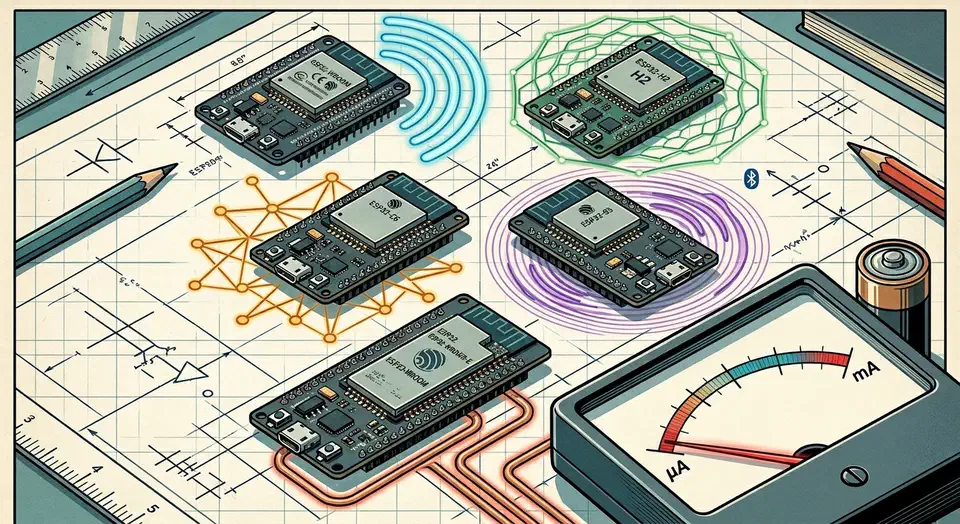
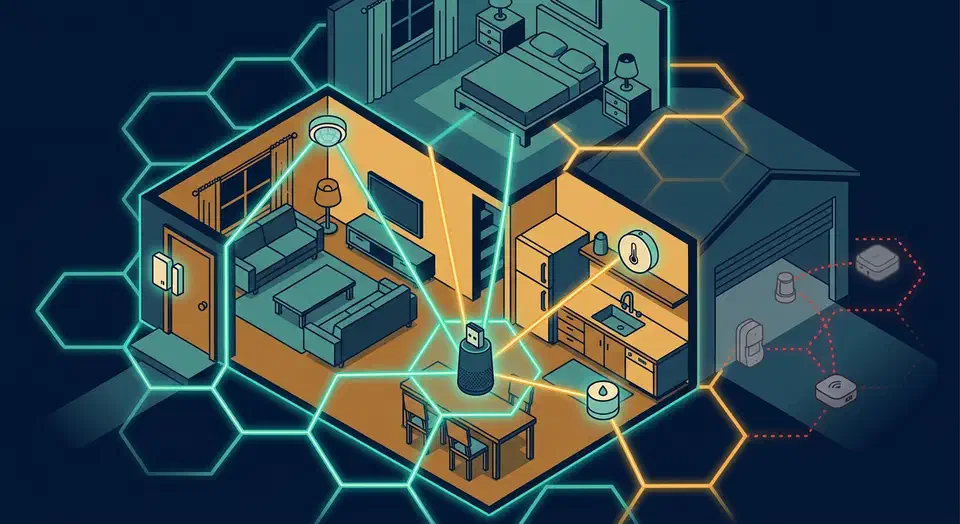
Set up Thread border routers to bridge Matter devices to your network. Choose between HomePod Mini, Nest Hub, or Raspberry Pi, then configure setup.

Home Assistant Smart Irrigation: Local Control, $25-89 Hardware

Home Assistant Smart Irrigation: Local Control, $25-89 Hardware

Build a smart garden irrigation system with Home Assistant, rain sensor, and automations. Zero cloud subscriptions, full local control, affordable hardware.

Snapcast Multi-Room Audio System: 5 Rooms Under $300

Snapcast Multi-Room Audio System: 5 Rooms Under $300

Build a cloud-free multi-room audio system with Snapcast and Home Assistant. Sub-millisecond sync across five rooms for an affordable Sonos alternative.

Should You Move from Zigbee2MQTT to Matter in 2026?

Should You Move from Zigbee2MQTT to Matter in 2026?

Matter 1.4 unifies smart home ecosystems while Zigbee2MQTT still wins on battery life and range. Run both: Matter for new devices, Zigbee for the long tail.

Home Assistant Energy Dashboard: 4 Flows, Solar, and Battery Tracking

Home Assistant Energy Dashboard: 4 Flows, Solar, and Battery Tracking

Track solar production, battery charge cycles, and home consumption in Home Assistant's Energy Dashboard without relying on third-party vendor cloud apps.

Home Assistant Dashboards: 6 Conditional Card Types and HACS Extensions

Home Assistant Dashboards: 6 Conditional Card Types and HACS Extensions

Build context-aware Home Assistant dashboards with conditional cards. Show or hide elements by state, time, presence, and screen size for automatic adaptation.

Like what you read?

Get new posts on Linux, AI, and self-hosting delivered to your inbox weekly.

Privacy Policy  ·  Terms of Service
2026 Botmonster