 Botmonster Tech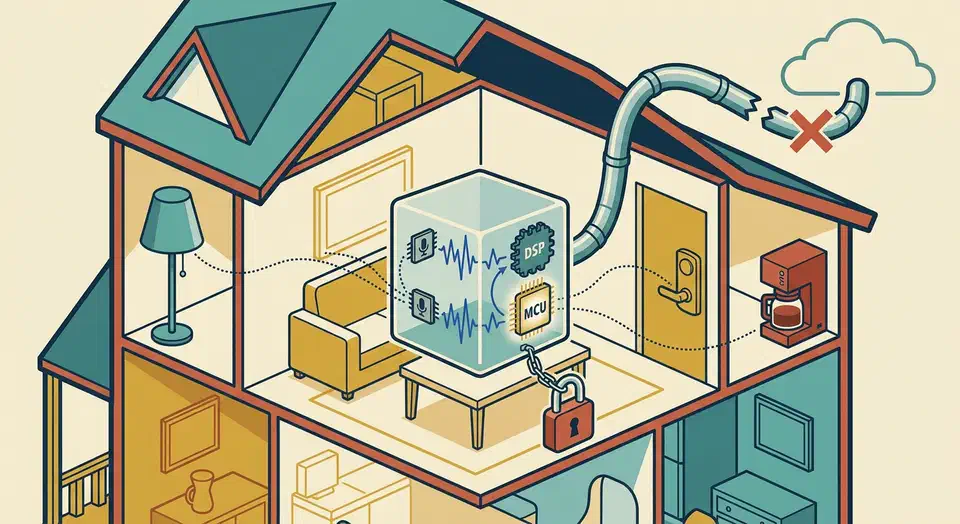
After more than a year of daily use, the Home Assistant Voice Preview Edition is ready for daily use, with caveats. It is the only $59 smart speaker on the market with zero cloud dependency, and for anyone who already runs Home Assistant it slots into existing automations with almost no friction. On the plus side you get fully local wake word detection, sub-second response on common commands, a capable far-field mic array, and a privacy story Alexa and Google cannot touch. The frustrations have been equally consistent: wake word accuracy drops in noisy rooms, the built-in speaker is too quiet for a kitchen, custom wake words require a training pipeline most users will not bother with, and anything beyond “turn the lights on” still needs either a local LLM or a cloud model piped through Assist.
Esphome
Smart Thermostat Under $30: DIY with ESP32, No Subscription
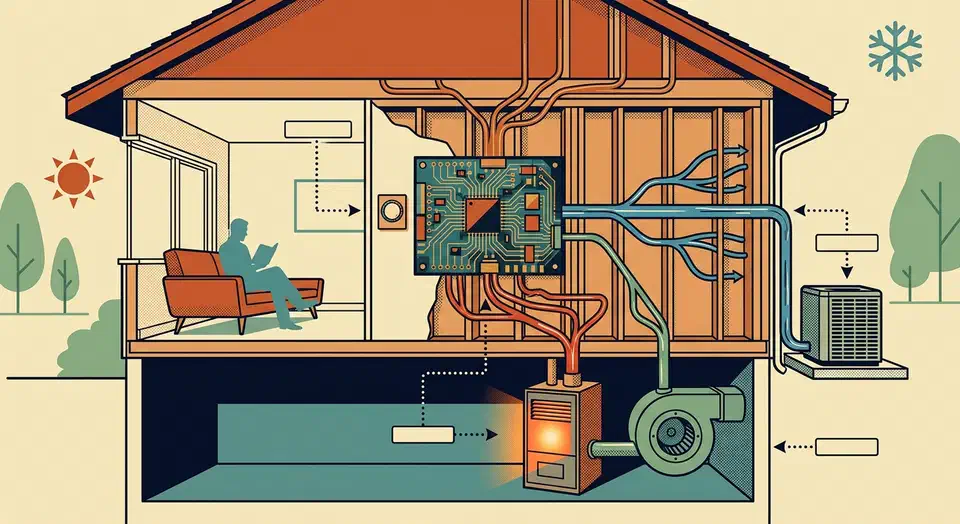
A fully local smart thermostat can be built from a 5 dollar ESP32
, a BME280 temperature sensor, and a small relay module. ESPHome
’s built-in thermostat climate component runs the control loop directly on the microcontroller, while Home Assistant
handles schedules, presence detection, and the dashboard. Total parts cost is under 30 dollars, nothing talks to a cloud, and because the heating logic lives on the ESP32 itself, the thermostat keeps working even if your Home Assistant server is rebooting or your internet is down.
ESP32 Boards for ESPHome: Radio-First Picks, Deep-Sleep Tested
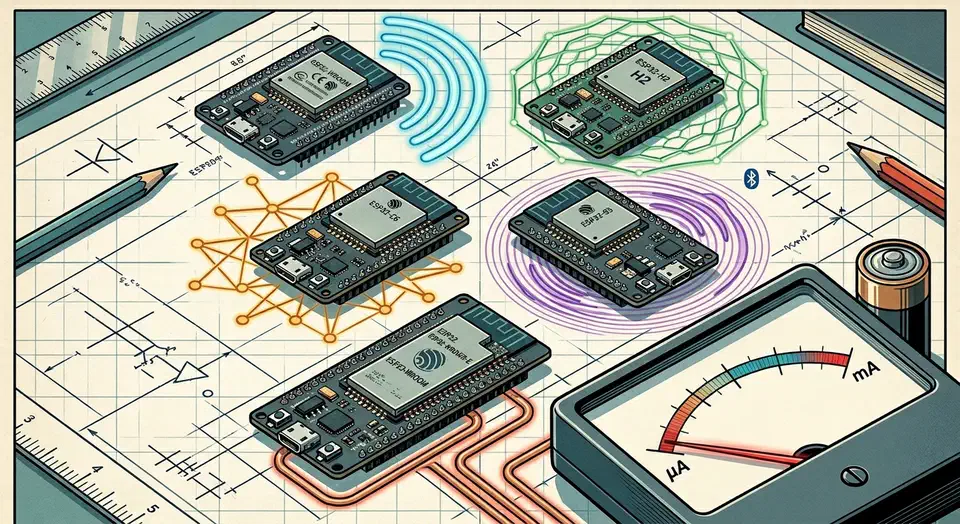
The best ESP32 board for ESPHome in 2026 is the one whose radio matches the job, then the one whose deep-sleep current matches your power source. Pick the ESP32-C6 for Matter-over-Thread, the ESP32-H2 for battery Zigbee, and the classic ESP32 or S3 for mains BLE proxies. Bare modules sip 7-10 microamps asleep, but stock dev boards waste 5-15 mA.
Key Takeaways
- Match the chip to the radio first: C6 for Thread, H2 for Zigbee, S3 for BLE proxies.
- Bare ESP32 modules sip 7-10 microamps asleep; stock dev boards waste 5-15 mA.
- The C6 is the only ESP32 with Wi-Fi 6 plus a Thread radio, great for Matter.
- The H2 has no Wi-Fi, so it lives or dies on a Zigbee or Thread mesh.
- All five chips work in ESPHome, but C6 and H2 need the ESP-IDF framework.
What is the best ESP32 board for ESPHome in 2026?
There is no single winner, because the right board depends on the radio your project needs. So start from the radio, then filter by power source, then by GPIO and flash headroom. That order saves you from buying a powerful chip that lacks the one radio your sensor actually requires.

Multi-Sensor Weather Station with ESP32 Under $100
Yes, you can build a working outdoor weather station for under $100. You need an ESP32 running ESPHome (current stable: 2026.3.x), a Davis 6410 anemometer for wind, a tipping-bucket rain gauge, and a VEML6075 UV sensor. All of it reports live data to Home Assistant over WiFi. The result is hyperlocal weather data more accurate than any commercial forecast for your yard, roof, or field.
Hardware Selection and Sensor Wiring
The backbone of this station is an ESP32-S3 DevKitC (or the older ESP32-WROOM-32). The S3 variant has better WiFi range and BLE 5.0 support if you want to expand later. Power it with a 5V USB-C supply. For longer outdoor cable runs, use a 12V barrel jack feeding an LDO voltage regulator. The same board family fits other outdoor builds too. Our guide to tracking particulates with a PMS5003 node uses a similar power and enclosure setup.
Build a Zigbee End Device With ESPHome and the Nordic nRF52
As of ESPHome
2026.1.0, you can flash a Nordic nRF52840 board from a plain ESPHome YAML file and have it join Zigbee2MQTT
or Home Assistant ZHA
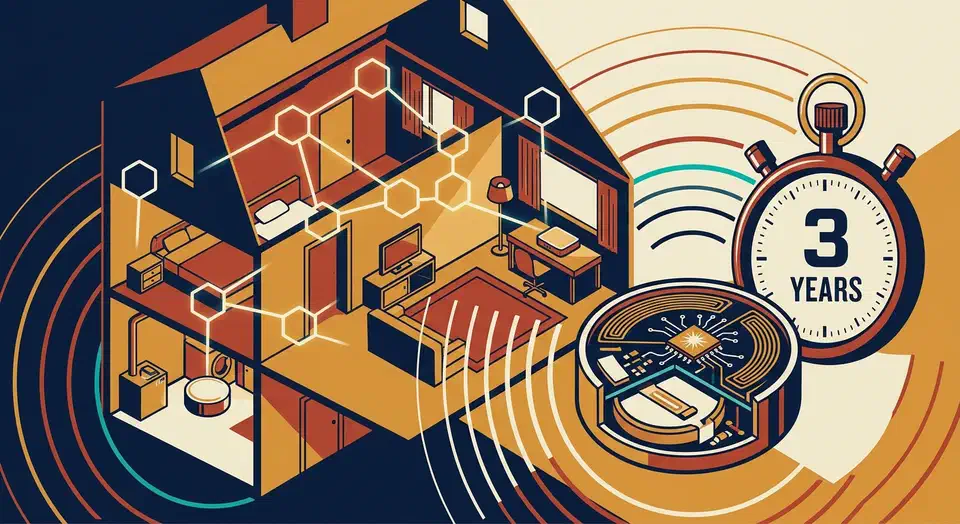
as a native Zigbee end device, with no custom C firmware, no Nordic Connect SDK project, and no coordinator reflashing involved. Pick a Seeed XIAO nRF52840, a Nordic nRF52840-DK, or an Adafruit Feather nRF52840 Sense, drop an nrf52: block and a zigbee: component into your config, add a binary sensor, sensor, or switch, and run esphome run sensor.yaml. The device pairs like any other battery-powered Zigbee sensor, sleeps between reports, and receives firmware updates over Zigbee itself through the new OTA path. ESPHome 2026.2 adds time sync and a number entity type on top, so end devices can timestamp their own readings and expose adjustable thresholds.
Smart Pet Feeder for $20: Ditch $150 commercial feeders
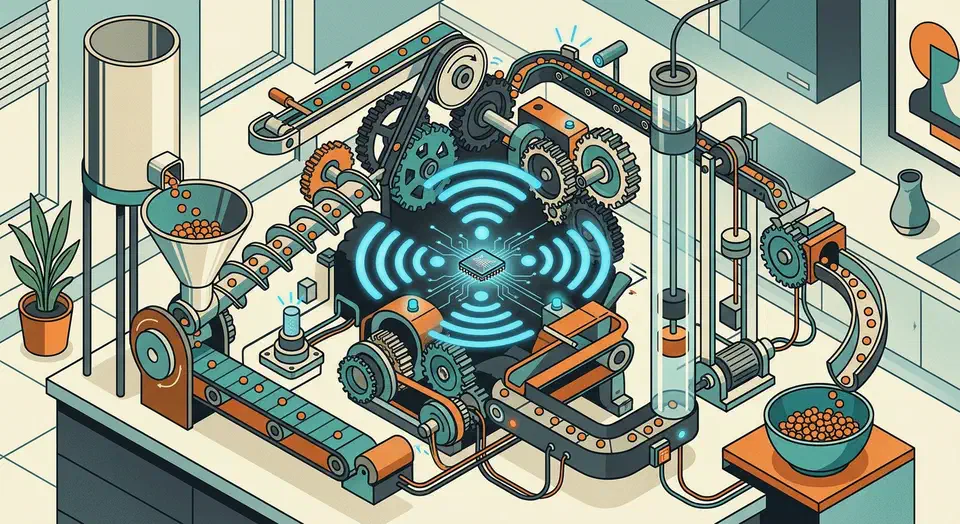
Yes, you can build a smart pet feeder for under $25. It uses an ESP32, a continuous rotation servo, and a 3D-printed auger, driven by ESPHome and Home Assistant . You get scheduled meals, set portion sizes, a “feed now” button on your phone, and a full feeding log. Commercial feeders like PetSafe ($100 to $150) and PETLIBRO ($65 to $160) charge a premium for the same features. This guide covers the hardware, wiring, firmware, and safety steps that make the build reliable.